Products
Arvio Home
The app for the people who live there: lights, blinds, climate, scenes, music, people. In a browser, as a PWA, and on iPhone, iPad, Mac and Apple TV.
- 5
- tabs: Home, Rooms, Voice, Security, Me
- 4
- roles: owner, manager, member, guest
- 11
- themes
On this page
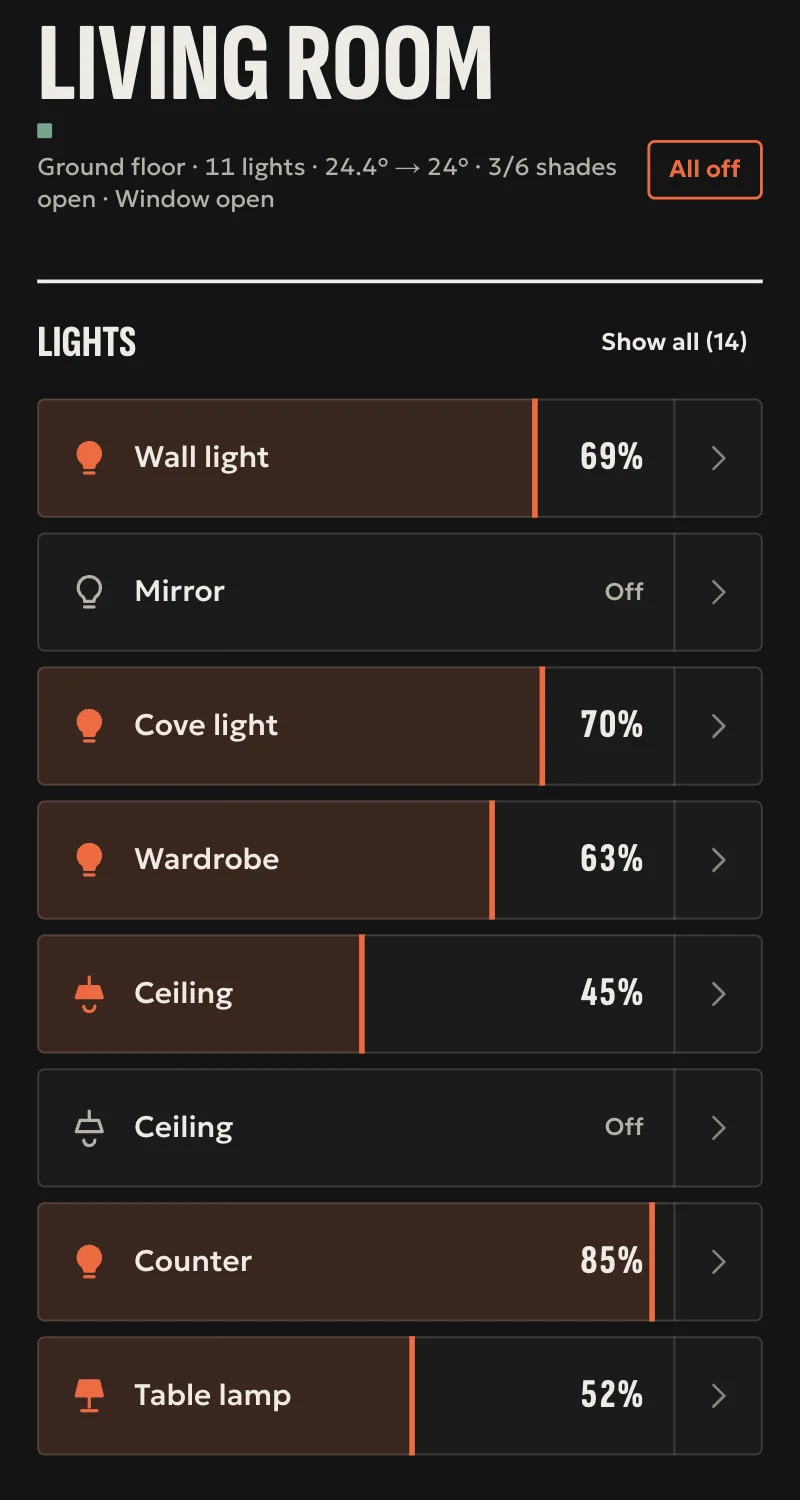
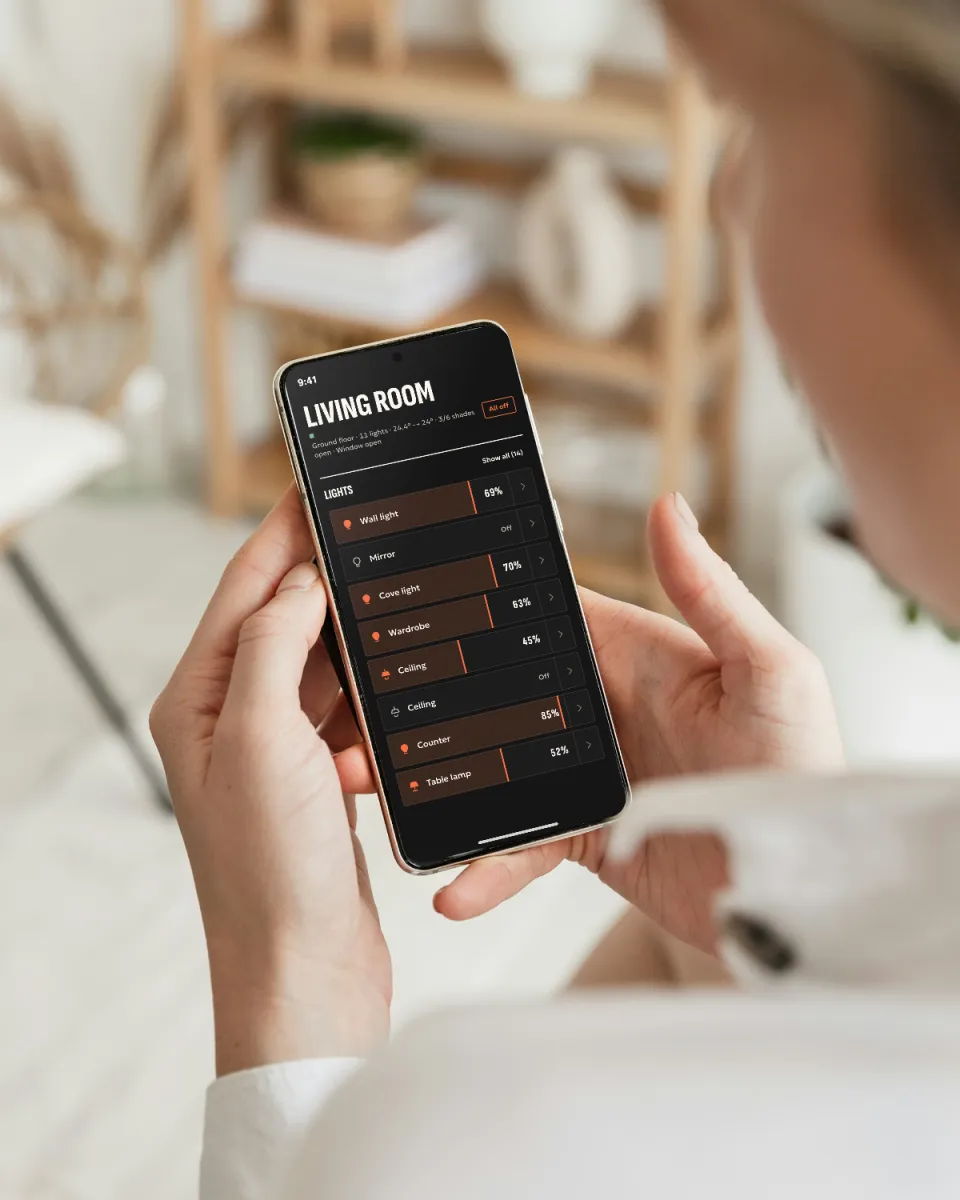
Arvio Home is the app for the people who live in the house. You open it, see what is going on, turn on a light or run a scene. System settings do not appear here, because they are the installer's job.
In your hand
On a tablet
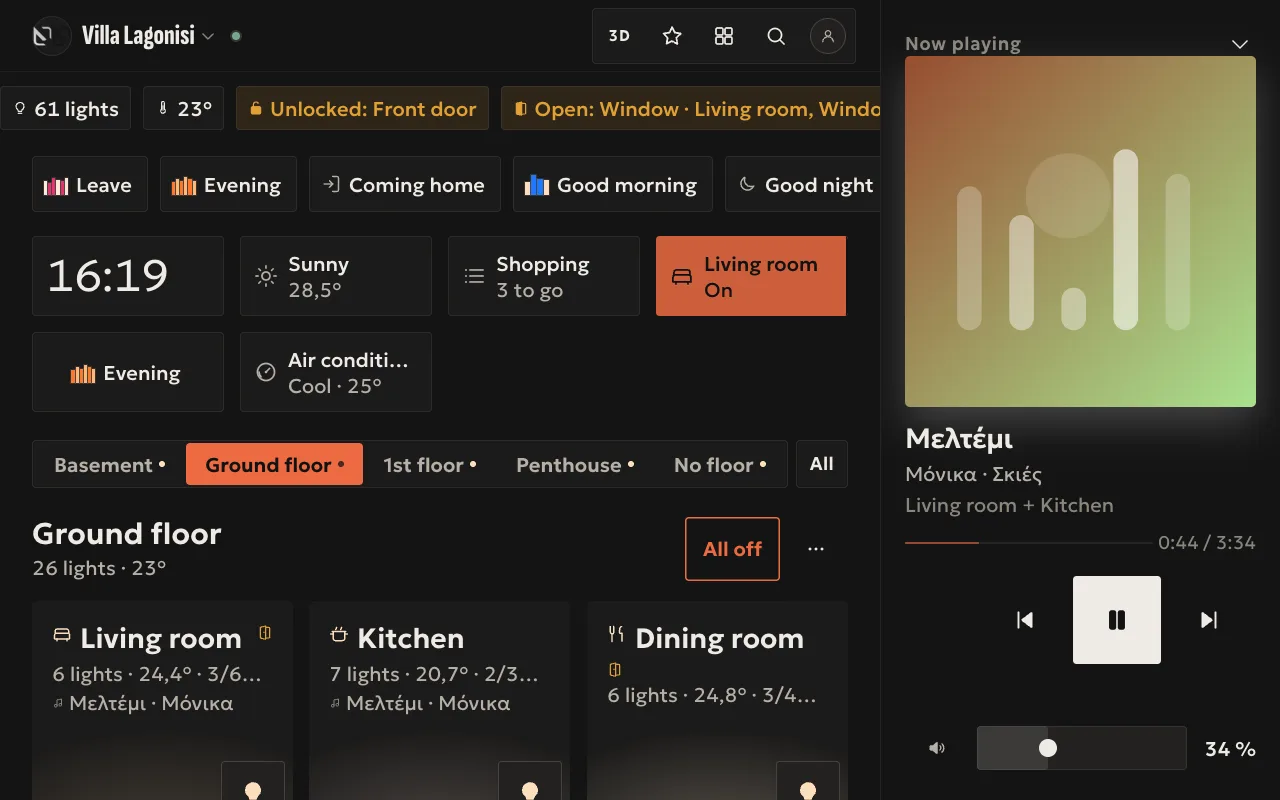
On an Android tablet with a touch screen, Home spreads out: scenes, shortcuts, floors and rooms on one screen, with the music beside them.
Αφίσα (poster) · dark 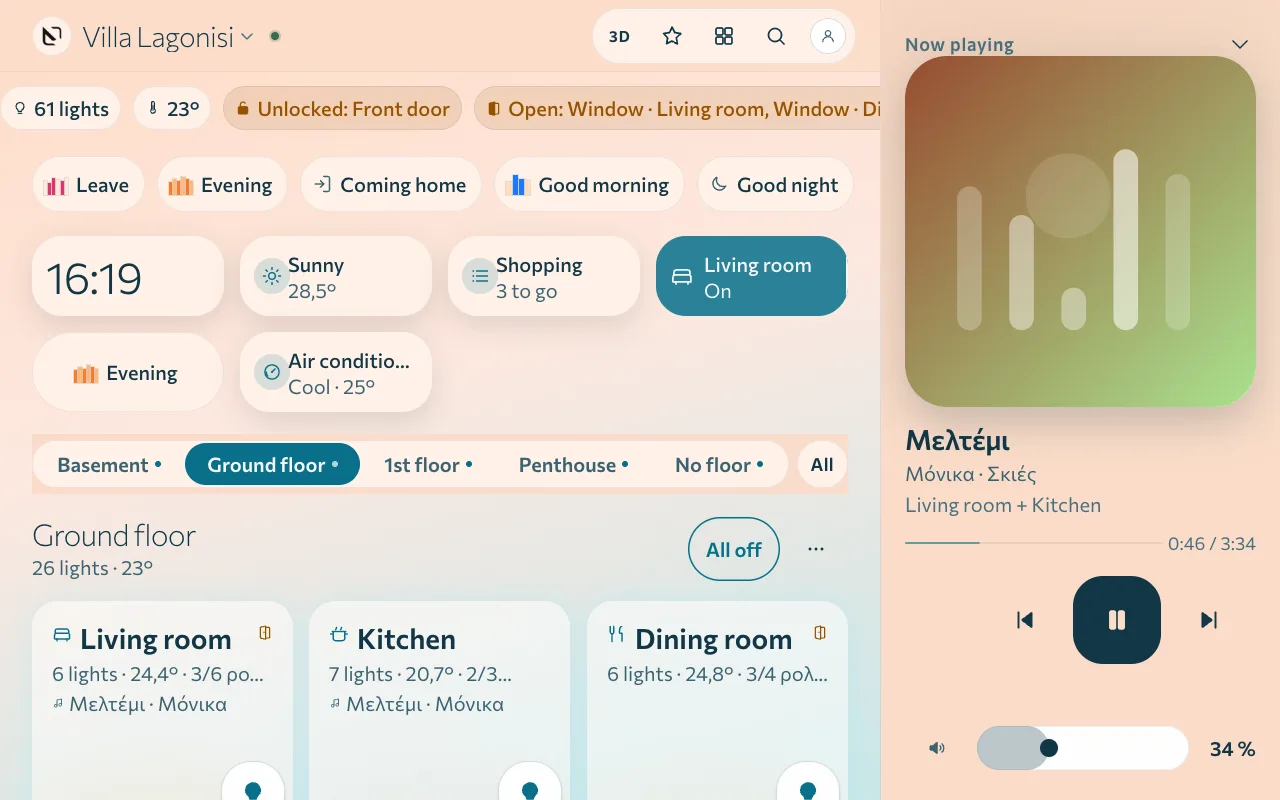
Γαλήνη (calm) · light 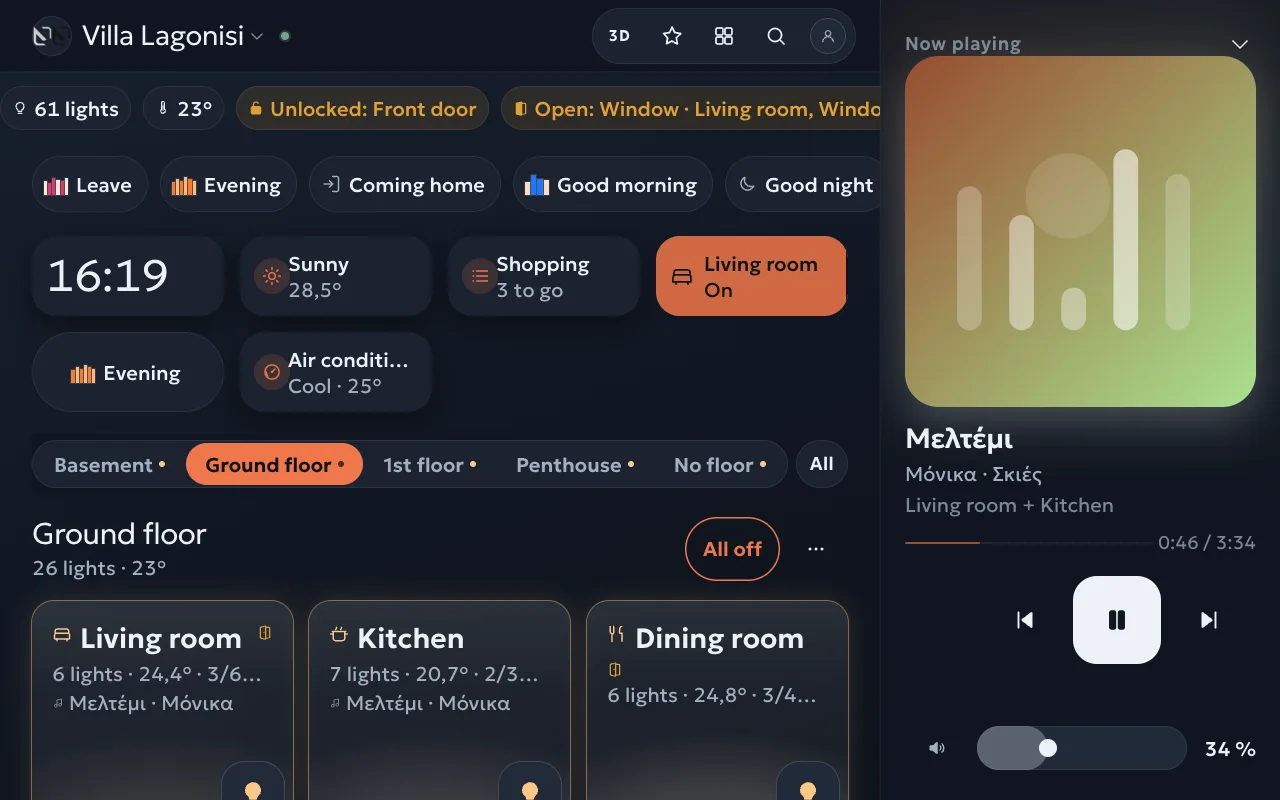
Λυκόφως (twilight) · dark 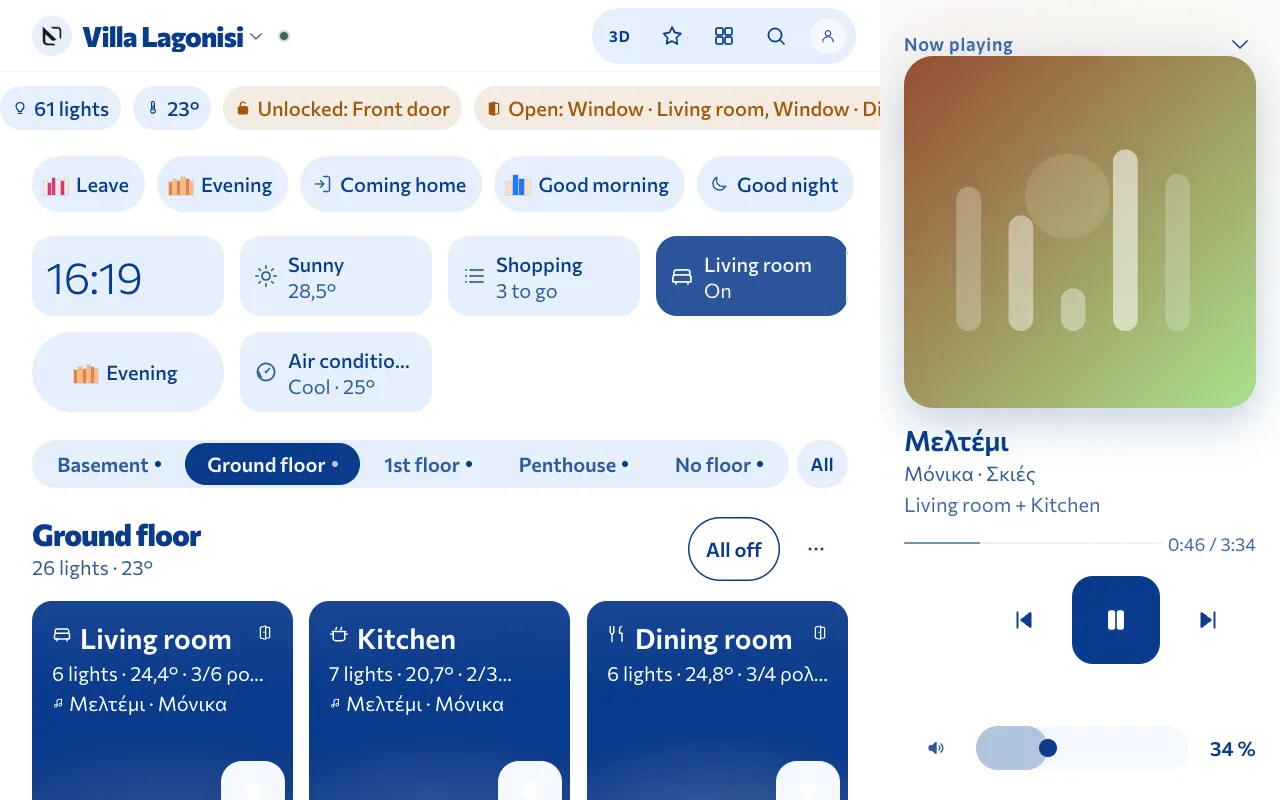
Αιγαίο (Aegean) · light
Real screens of Arvio Home, on a sample home.
Where it runs
| Where | What it has |
|---|---|
| Browser | The whole app at home.arvio.systems |
| Phone and tablet as a PWA | Installs on the home screen like an app, on Android too |
| iPhone and iPad | Native app, widgets, Control Center, Siri and Shortcuts, Face ID, presence by geofence, wall display mode on iPad |
| Mac | Native app |
| Apple TV | A family view, signed in by scanning from your phone |
Every day
Home
Scenes, up to 6 shortcuts of your own, floors and rooms with their photos. “Turn everything off” can be undone.
Room
Lights with brightness and colour, switches, blinds and curtains, climate. If your installer took photos, you see the room lit the way it is right now.
On now
Everything that is on or open, room by room, with one button to turn each off. Next to it are the temperature of each room and a search across the house.
Automations
For the owner and managers. Choose a “When” (a time, sunset, sunrise, I arrive, I leave, the first one in, the last one out) and up to 6 actions. Unlocking and disarming are left out on purpose.
Music
Chromecast speakers, radio and your own music with Arvio Music. Now playing, volume and the same track on another speaker. TVs too.
3D model
If your installer built a model, you see the house in 3D and tap on the devices. If not, the button does not appear.
Security
The alarm and locks on one screen. Ajax arrives through Arvio Cloud. Unlocking and disarming need an explicit confirmation.
Themes
Eleven themes for the whole house, with Light, Dark and Auto. The factory one is Poster. Background and simple view are each person's own choice.
Who does what
| Role | What they do |
|---|---|
| Owner | Everything in the app: people, guests, theme, rooms, scenes, automations. The owner also sees the installer's access and can remove it. |
| Manager | Helps the owner, with automations and light groups. In a 24/7 space, also sees bookings. |
| Member | Everyday use. Cameras, locks or the alarm appear only if the owner gives them. |
| Guest | Opens a link, with nothing to install. Access has an end date or a number of hours from first use, and the owner can see when the door was used. |
What happens when you tap
The app shows that something happened only once the hub confirms it.
One command goes out
Each tap gets its own id. The app never resends by itself.
The hub does not answer
The command is refused at once and not stored. Nothing will switch on later, when the hub comes back.
The hub is slow
The command waits up to 45 seconds, or 30 for locks and alarms. Then the button goes back and says it did not happen. Trying again is your decision, and it is a new command.
Locks and alarms
They never show as done before they are. Unlocking and disarming need a one-time confirmation code, valid for 30 seconds.
Questions
How do I get the app on my iPhone?
Ask your installer for an invitation. The same goes for iPad, Mac and Apple TV. On Android and on a computer, open Home in a browser or add it to your home screen.
How do I get in?
The installer or the owner invites you by email. The sign-in message has a link and a code, and you use whichever suits you. There is no password to remember. Under Me you can see which devices you are signed in on.
Does the app know where I am?
Only if you turn it on yourself, in the iOS app, for your own phone and that one house. The coordinates stay on the phone. The house only learns that you arrived or left.
Is it in English?
The native app is in Greek and English.
Already have an account?
For a new home, talk to SFK.
Tell us about your space
Tell us what you have and what you want, and we will work out together what your space needs.