Guide
Hardware
What a hub is and what it needs: a mini PC or Raspberry Pi, Ethernet, a Zigbee stick and one rule about power.
On this page
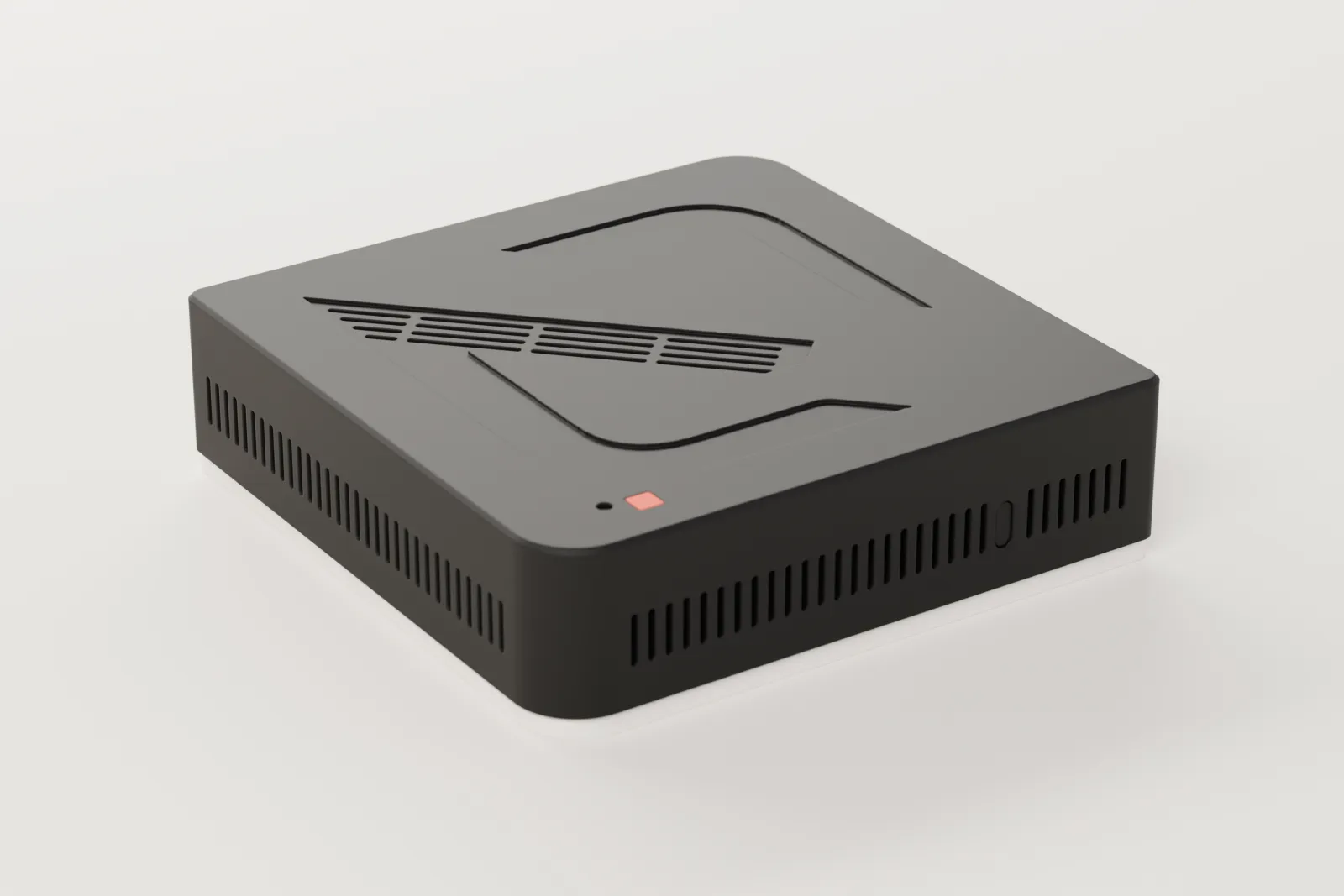
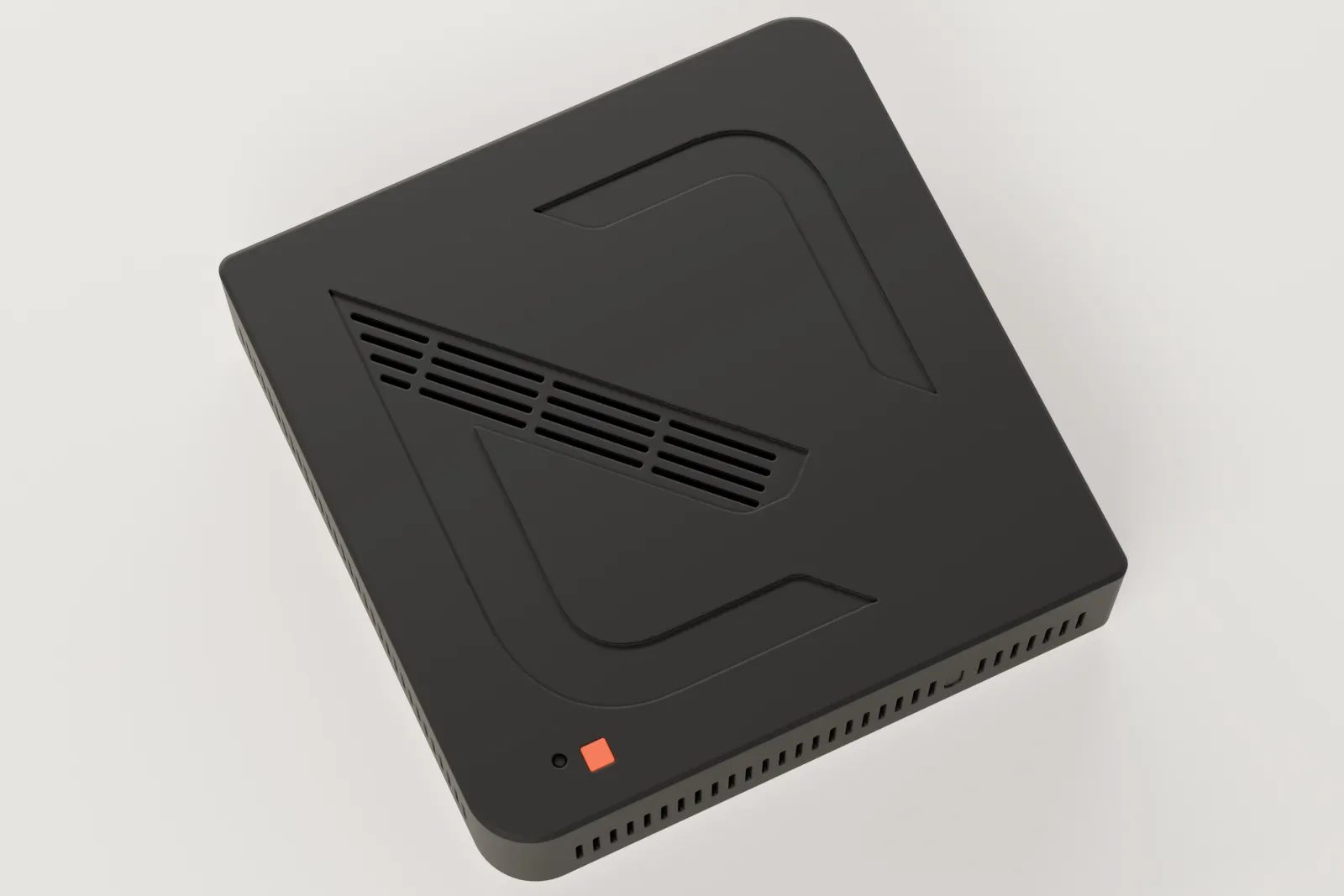
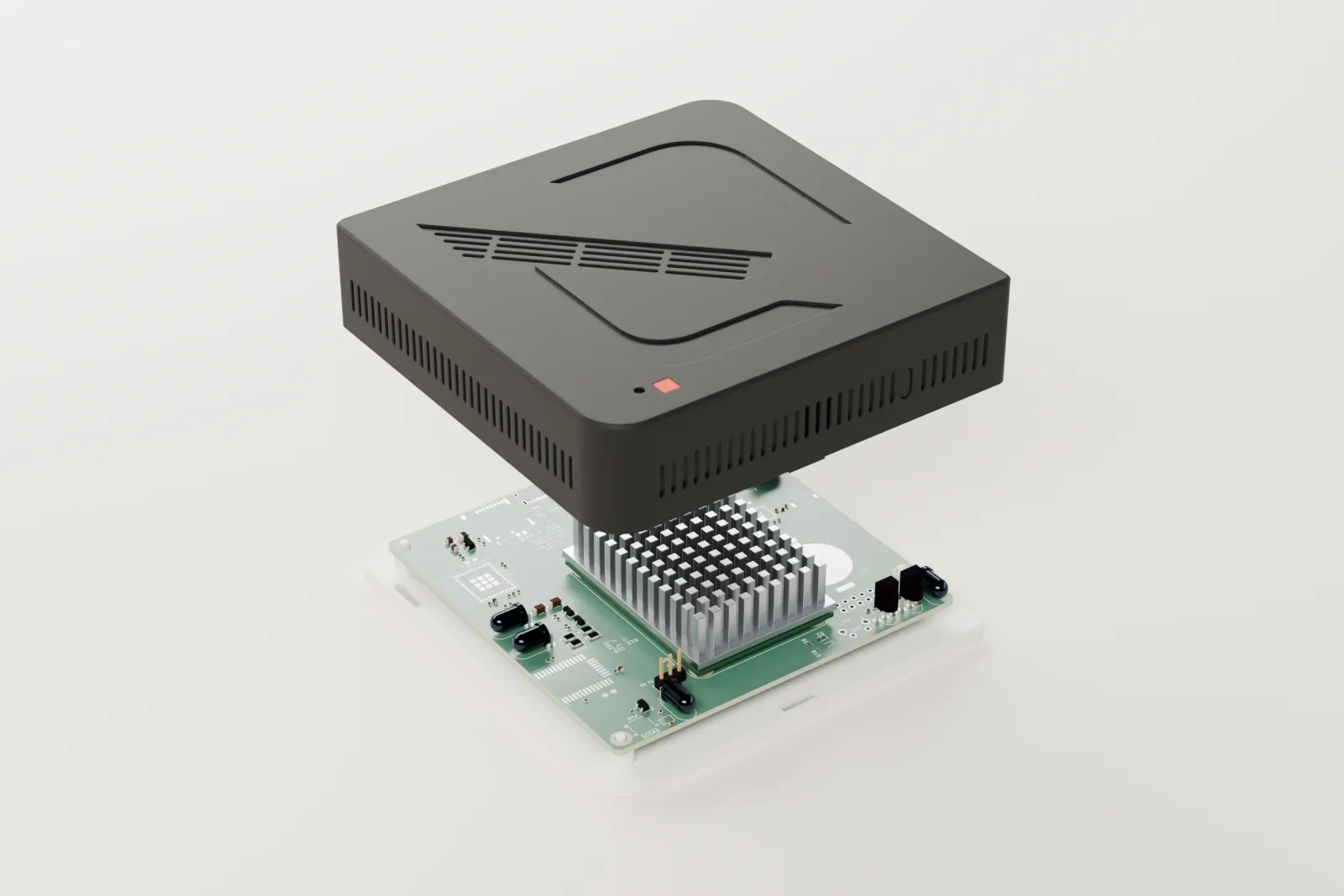
The hub is a small computer that stays in your space for good. It runs Arvio OS, Arvio Core and the drivers, and commands to your devices go through it.
At a glance
- x86-64
- Mini PC with UEFI
- Pi 4 / 5
- Raspberry Pi, with an SD card or NVMe
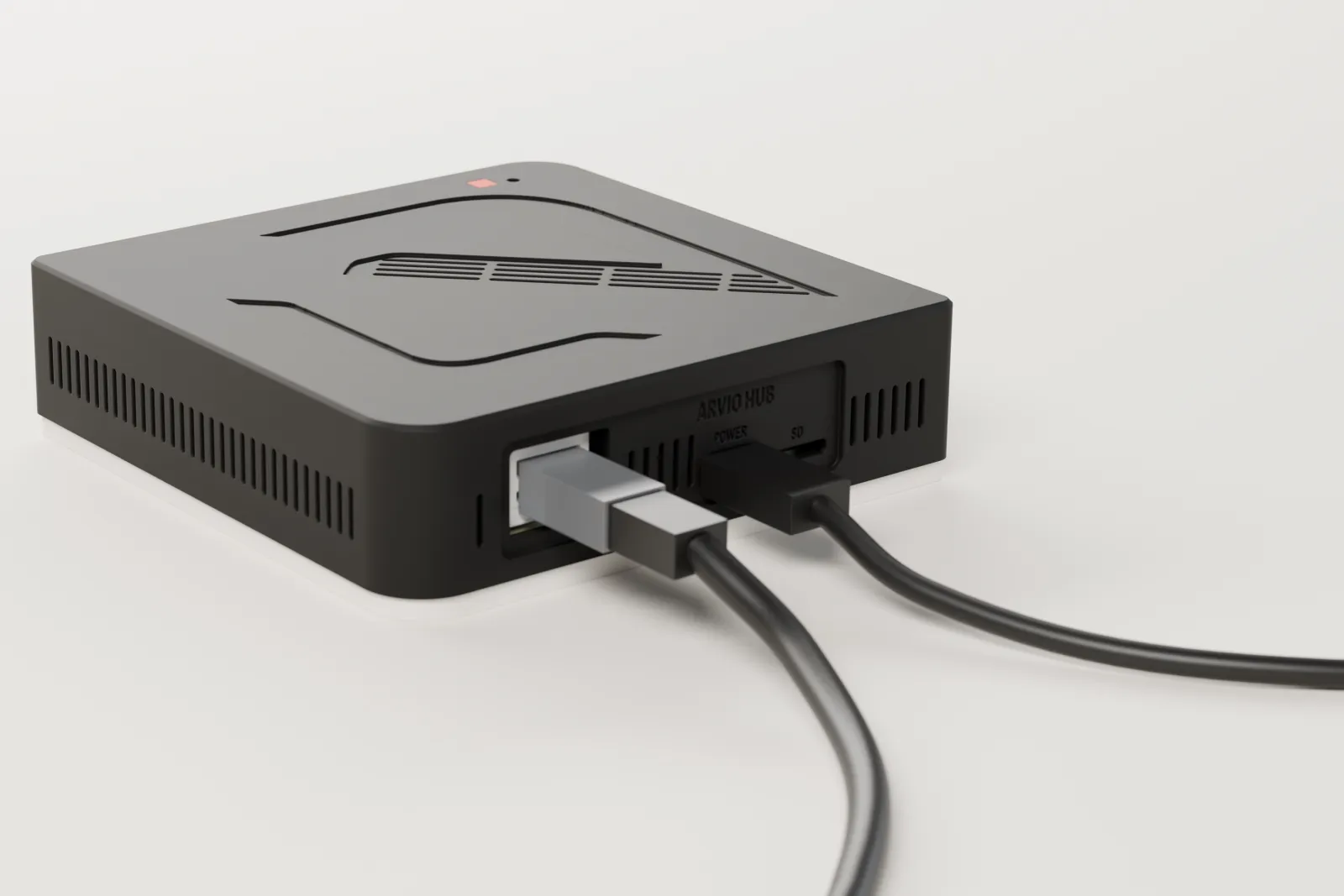
- Ethernet
- A network cable
- Power On
- The BIOS setting for after a power cut
Arvio Hub
The Arvio Hub comes from SFK, ready for installation. It costs €449 + VAT.
What it needs
| Part | What it does | When |
|---|---|---|
| Computer | An x86-64 mini PC with UEFI, or a Raspberry Pi 4 or 5 with an SD card or NVMe disk. | Always |
| Ethernet cable | Connects the hub to your network. | Always |
| Serial and QR label | The installer scans it to tie the hub to the installation. | Always |
| Zigbee USB stick | The radio for Zigbee devices, with a USB 2.0 extension. | For Zigbee devices |
| HDMI display | Shows the hub's screen. The hub also works without it. | Optional |
| UPS | Keeps the hub on through short power cuts. | Optional |
The power rule
Every hub powers on by itself after a power cut. In the mini PC's BIOS, "After Power Loss" must be set to Power On, not Last Power State and not Power Off. Hardware that cannot do this does not become a hub.
The test happens before handover. Pull the plug, put it back, and the hub must start with no button pressed and come back online.
After starting, the hub reads the state of your devices. It does not resend old commands, and it does not touch locks, alarms or gates. Our target is for it to return with no person involved in under 3 minutes.
How the system gets written
SFK prepares the hub. For anyone who wants to know, this is what happens.
Raspberry Pi
Write the image to an SD card or NVMe with Raspberry Pi Imager. Connect Ethernet and power. The hub takes a network name of the form arvio-xxxx.local.
Mini PC: the USB stick
Write the image to a USB stick of at least 8 GB. In the BIOS, turn on UEFI, set Power On and start from the USB stick.
Mini PC: the disk
The setup program lists the disks with model, serial, size and what they hold now. To write, you type the disk's number and the last four characters of its serial. The whole disk is erased.
The end
The setup program reads back what it wrote to check it, puts the disk first in the boot order and shuts the computer down. Remove the stick and turn it on.
Two copies of the system
The system is read-only and exists twice. An update is always written to the copy that is not running. The hub starts from it once and keeps it only if Arvio comes up healthy. Otherwise it returns to the previous copy by itself. Your data sits in its own area of the disk and does not change.
Every update carries SFK's signature. Without a valid signature, the hub refuses it.
The software is small. Measured on a development computer, Arvio Core, the local drivers and the Zigbee driver together took about 185 MB of memory, without the Arvio Agent.
Common questions
Does it work over Wi-Fi?
The hub connects with an Ethernet cable.
Does it run anywhere other than the image?
Arvio Core can also be installed on plain Debian 12 or 13 on x86-64, on Raspberry Pi OS Lite 64-bit, and as a container on a NAS. There you do not get the two copies of the system.
What if the hub breaks?
Every night the hub makes an encrypted backup of its data and keeps it on its disk. A new hub restores it with your recovery code or with SFK's key.
Does it support Z-Wave?
Yes, with a Z-Wave USB stick on the hub. A Fibaro or Yubii controller works too, through its own driver.
Does SFK have a shared password on all hubs?
No. The image contains no login key, and there is no shared SFK account across hubs.
Ask about a hub
An SFK partner installer sets it up in your space.
Tell us about your space
Tell us what you have and what you want, and we will work out together what your space needs.