
A smart home by SFK
Your whole home in one app
Lights, blinds, climate, cameras, alarm and music together, on your phone and on the wall. An installer sets it up, and it keeps working when the internet goes down.
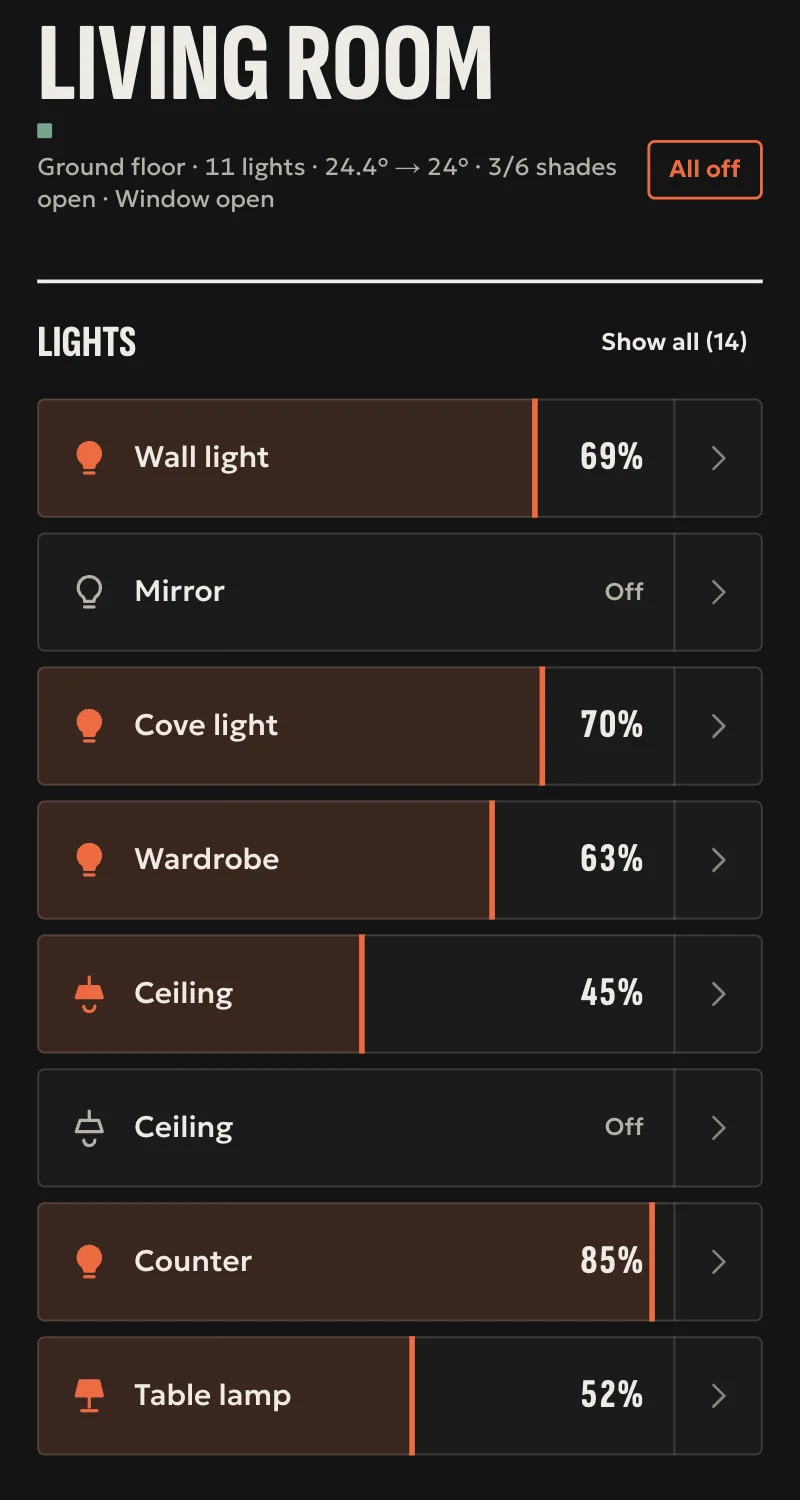
- LightsEvery light in the room with one tap, and all of them with one button.
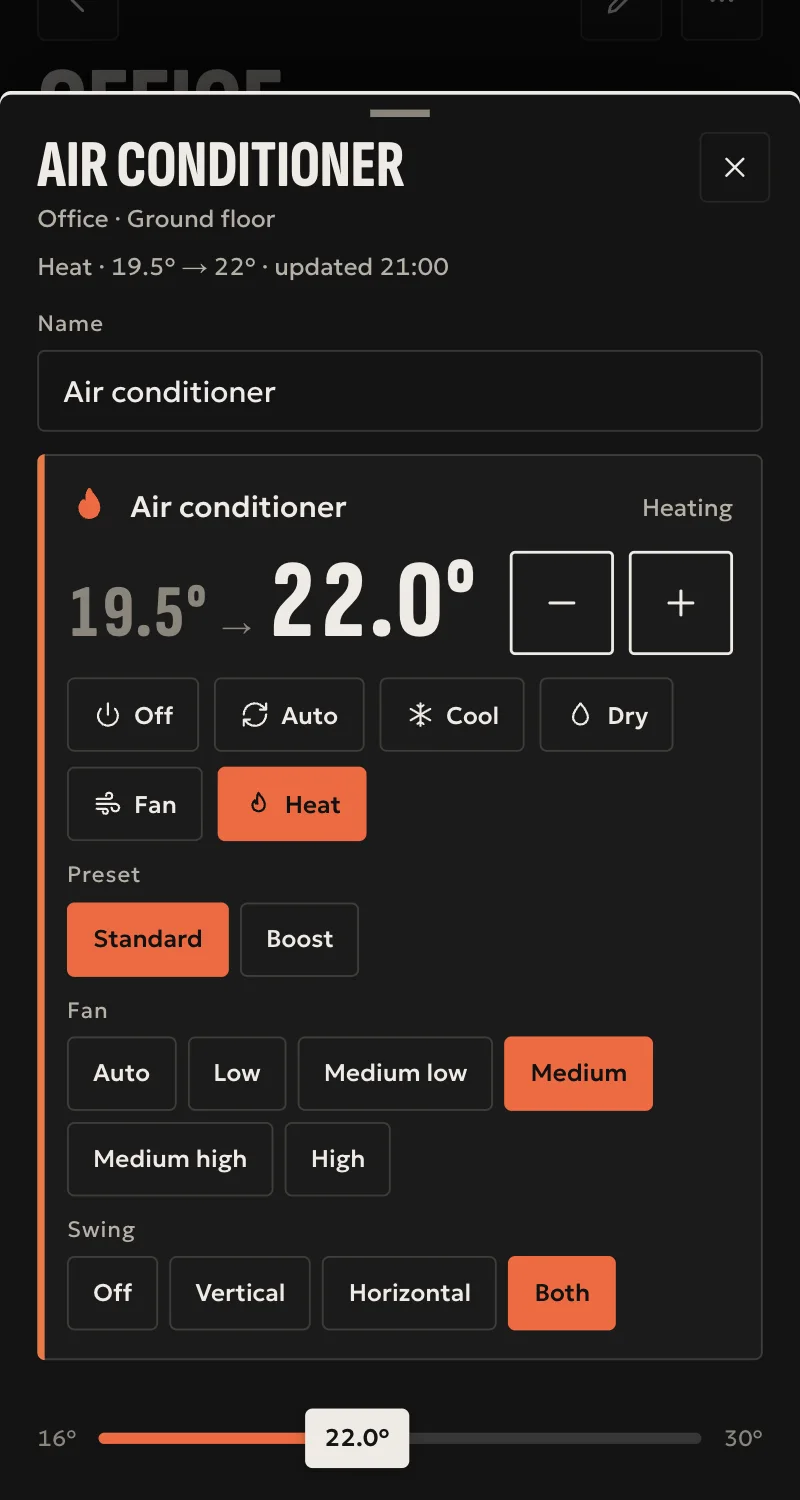
- ClimateTemperature, mode and fan, as on the remote.
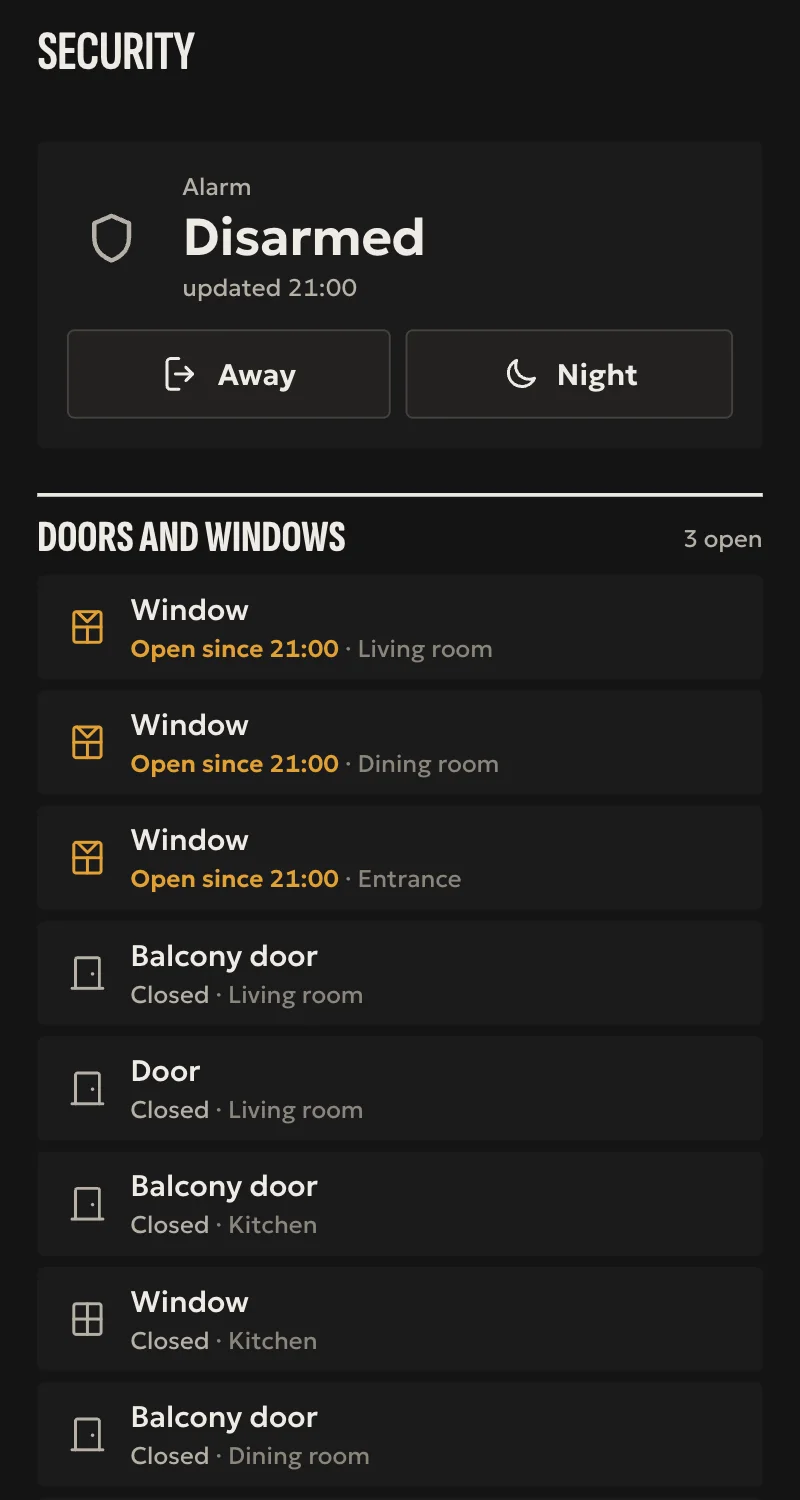
- SecurityThe alarm, and which door or window was left open.
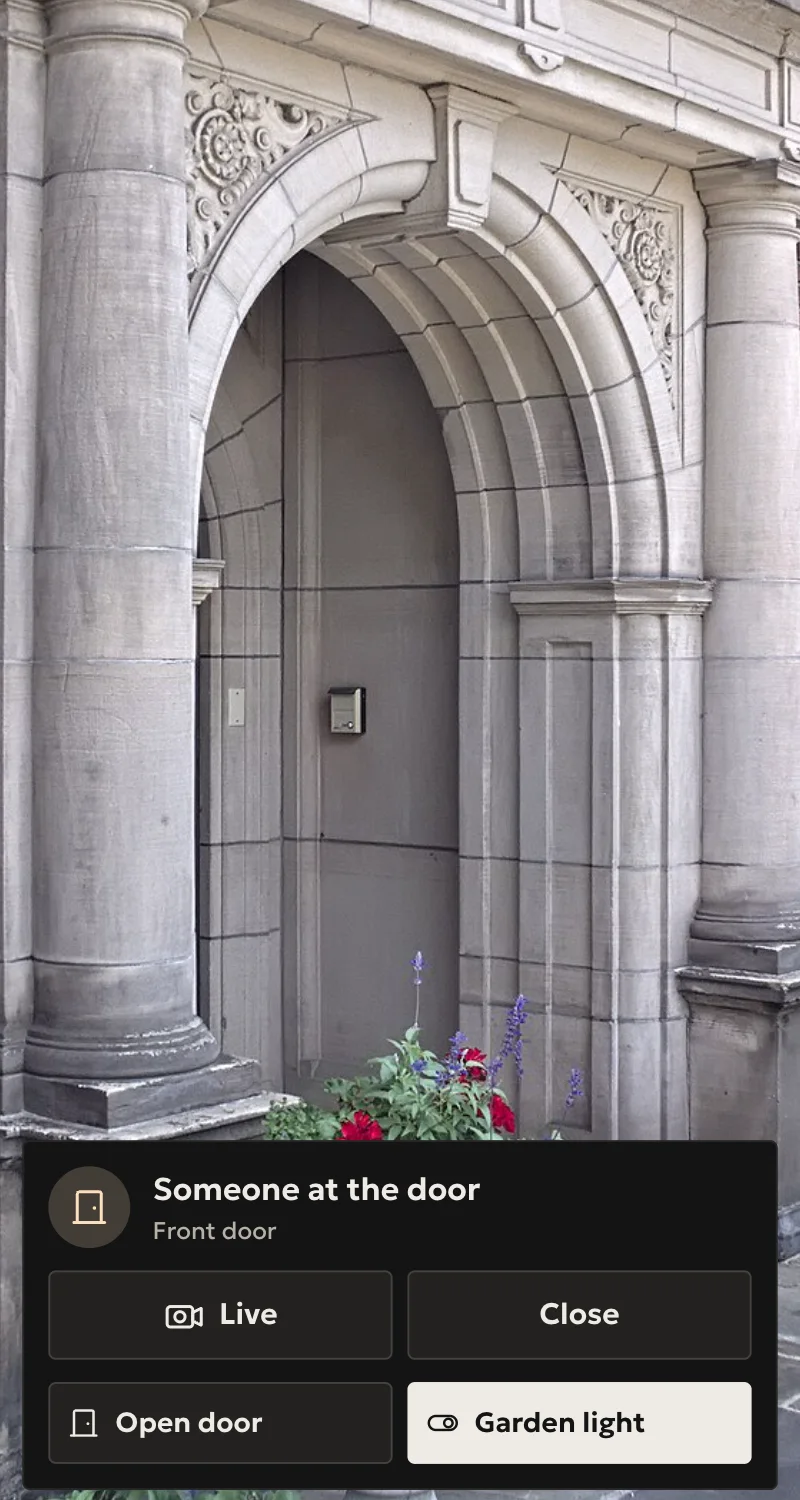
- DoorbellThe bell rings and you see who it is, on your phone or on the wall.
- MusicRadio or your own music, on the speakers you choose.
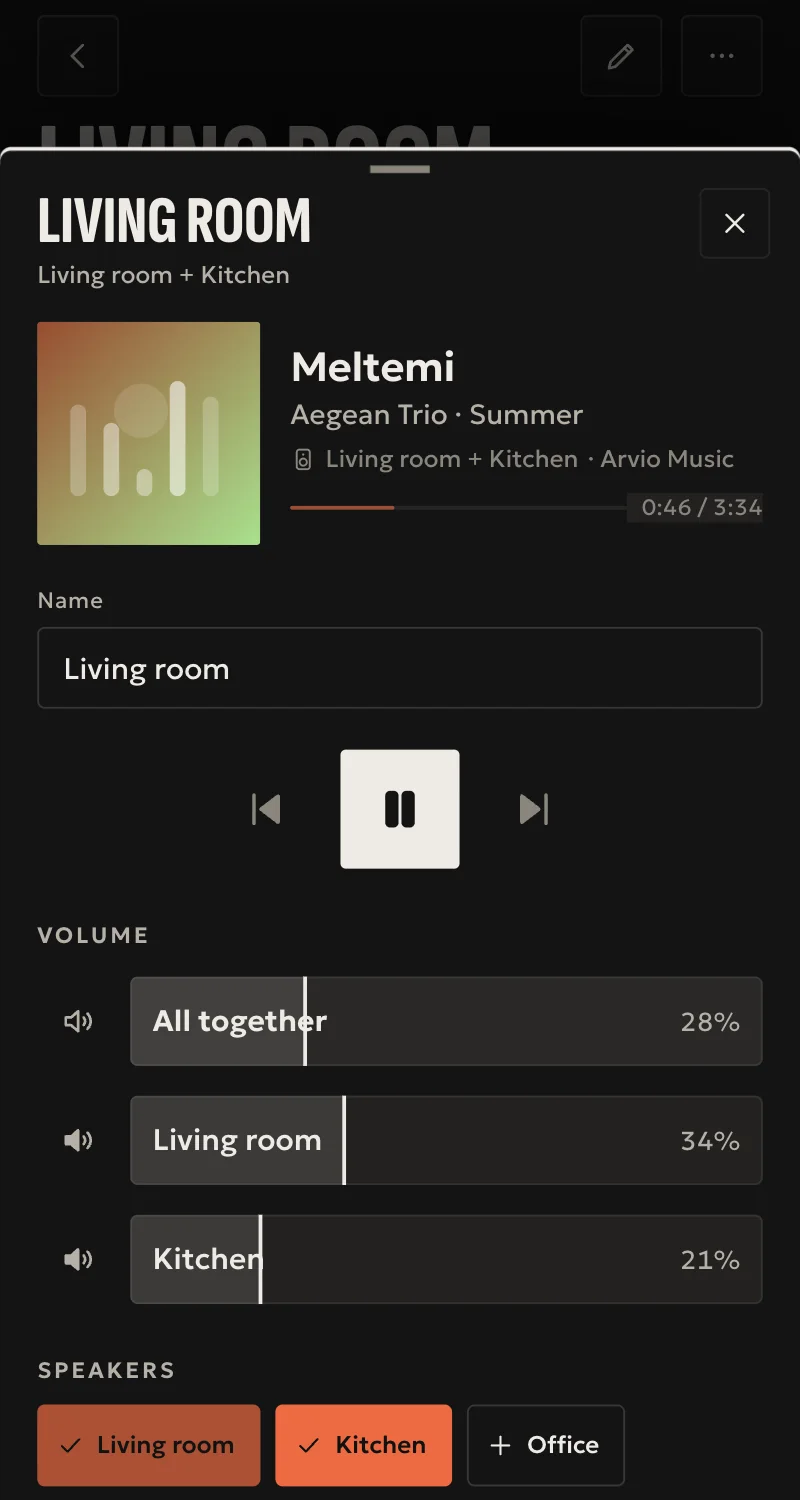
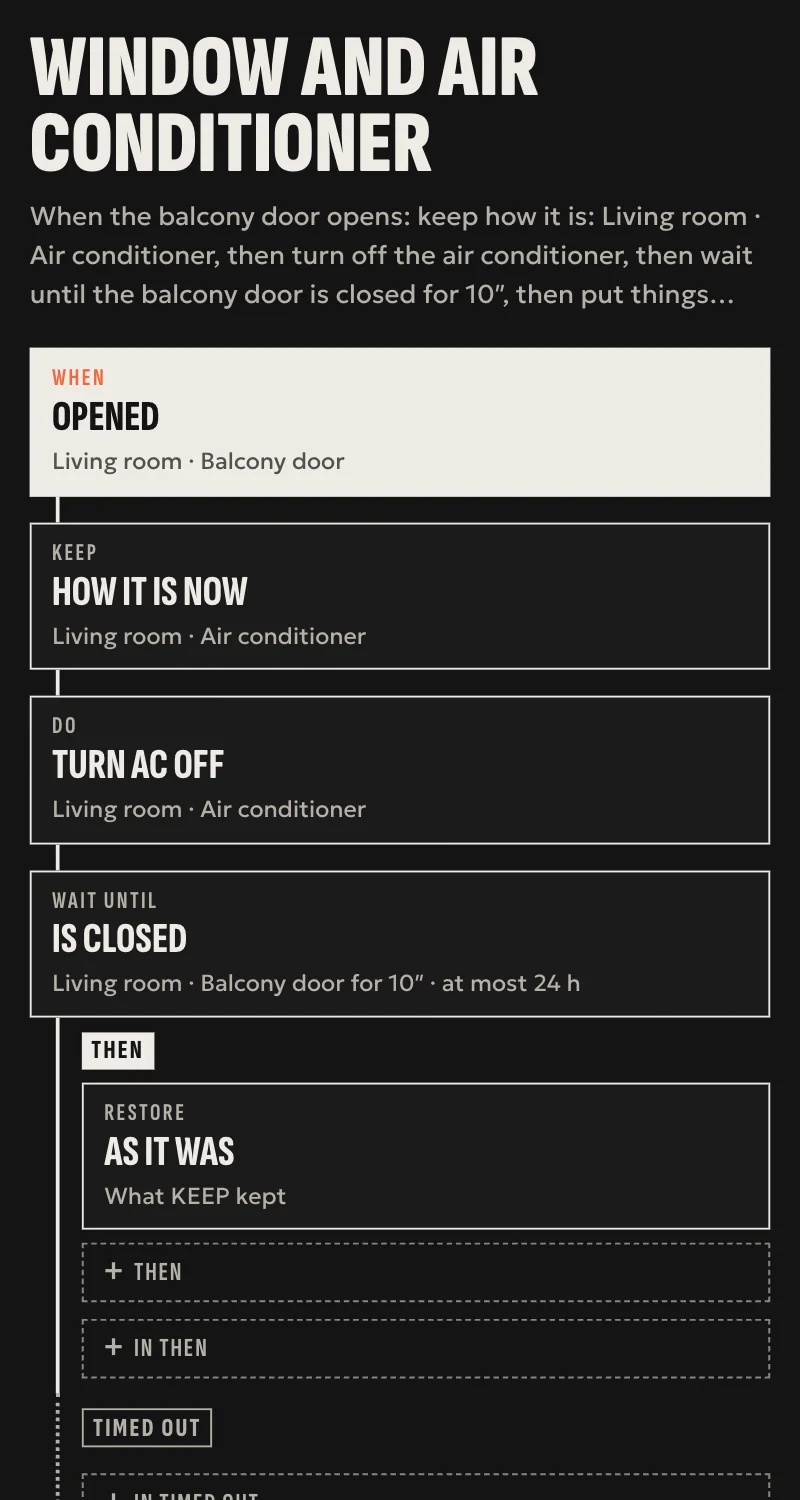
- AutomationsThe balcony door opens and the air conditioner turns itself off.
- Works without the internet too
- No subscription
- The data stays yours
See it in motion
The app as it is: the start screen, lights and their colours, an awning, music and TV, the home in 3D, and the themes. The home is a sample, the screens are real.
What Arvio is
Three things that work together.
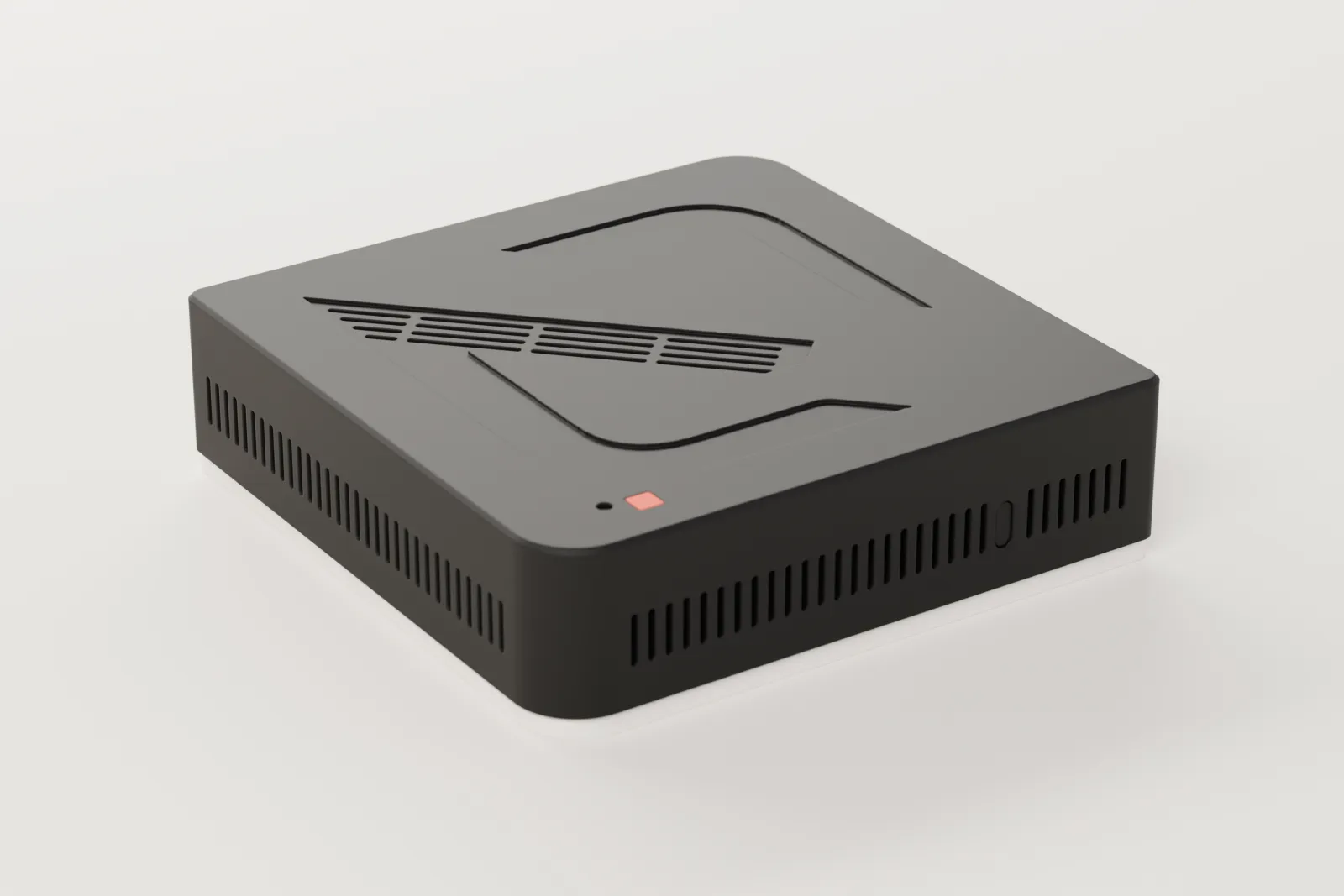
A small box in the house
We call it the hub. It talks to your devices and makes them work together. It stays inside the house, so it does not depend on the internet.
The hub ›One app for everyone
Arvio Home, on your phone, tablet or computer. Each member of the household sees what you have opened to them.
The app ›An installer by your side
A professional sets it up and hands it over. The house stays yours, and they help only for as long as you want them.
How it reaches your home ›
What you can do
Lights and scenes
One tap per room, and scenes that set everything at once.
Climate and blinds
Temperature and blinds from the room, or by rules.
Cameras and doorbell
A live picture, and the doorbell on your iPhone like a call.
Alarm and locks
You arm and lock, and you see that it happened.
Music
Radio and your own music on the speakers of the house.
Automations
The house does by itself what you set: by the hour, the sun or your presence.
Energy
How much power the house uses, in kWh and in euros.
Members and guests
You give access to whoever you want, for as long as you want.
In your hand and on your wall
The same app on the phone of everyone at home, and a panel on the wall, where you walk past.
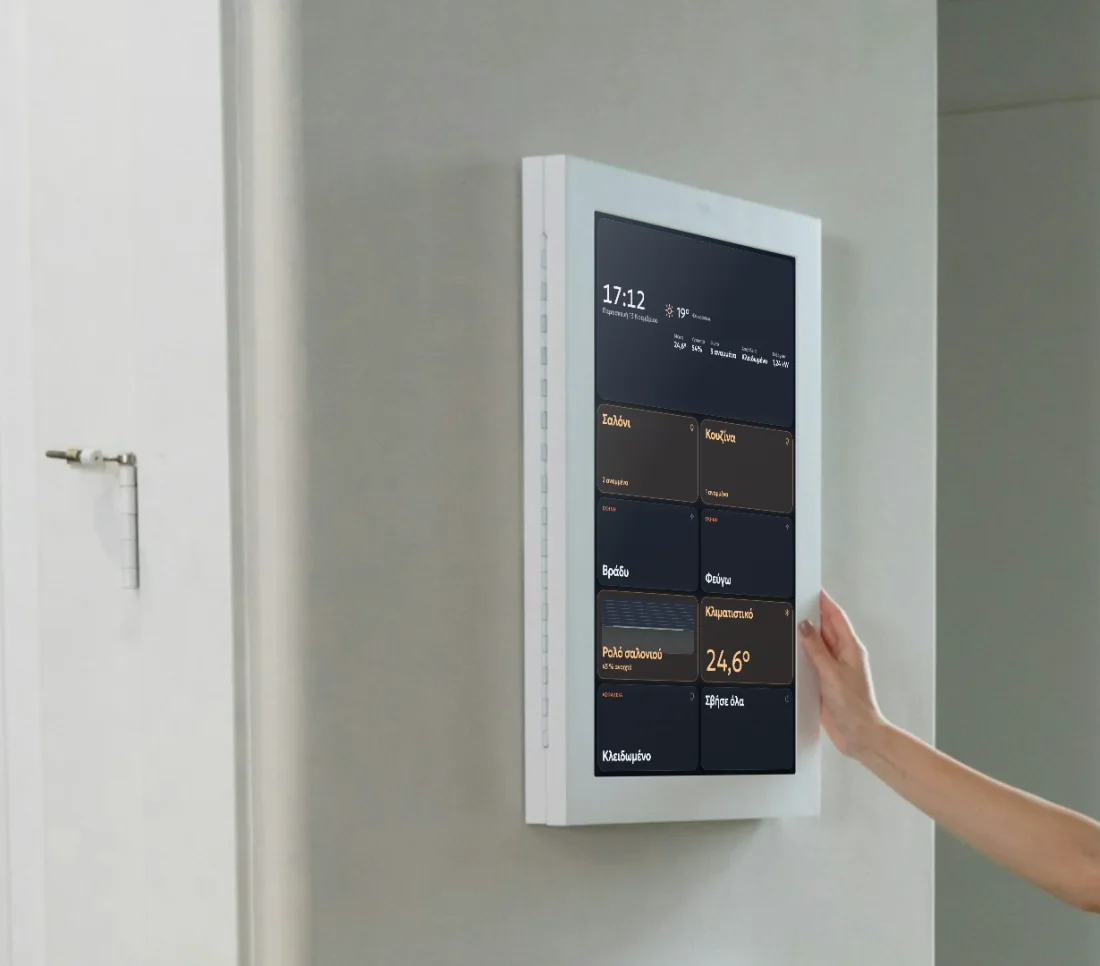
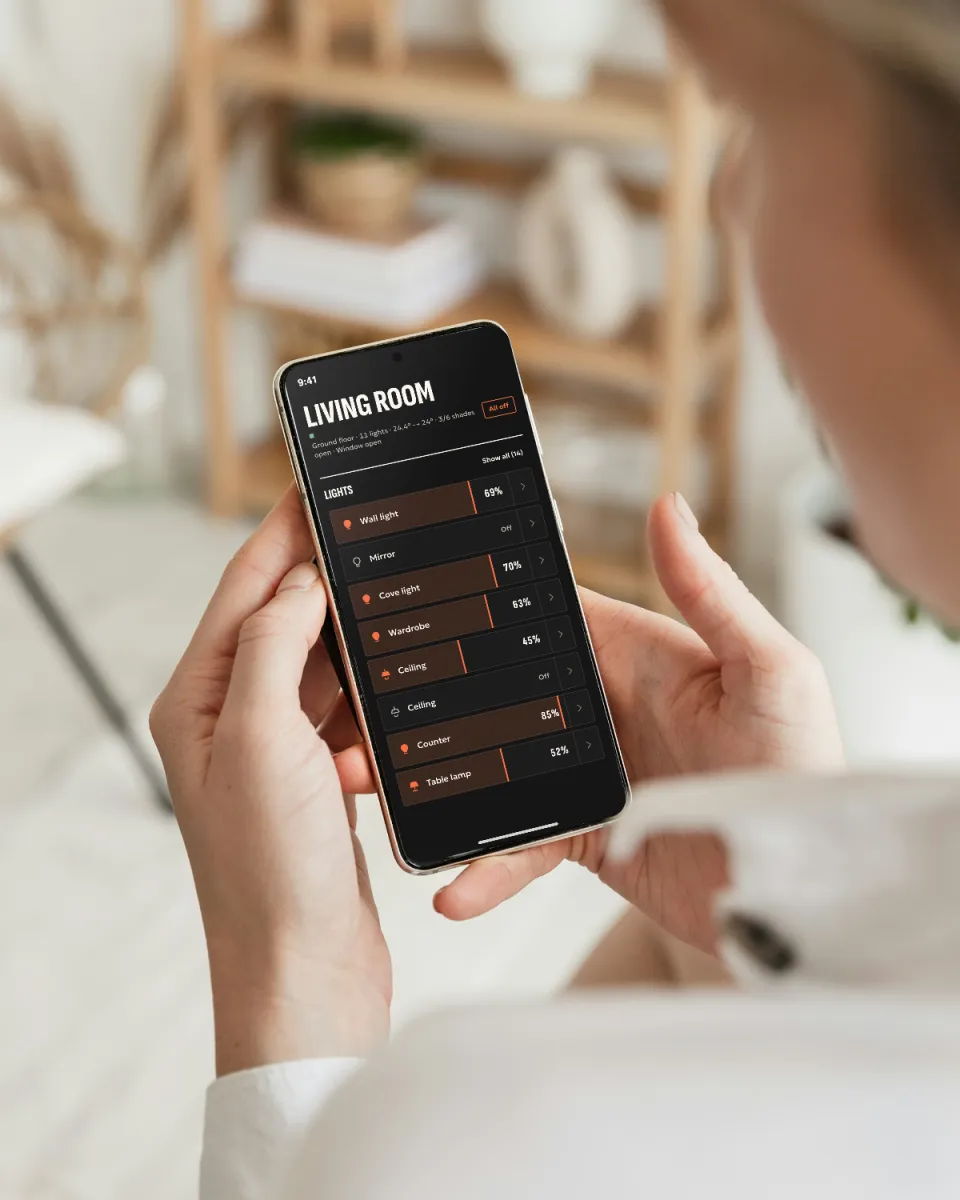
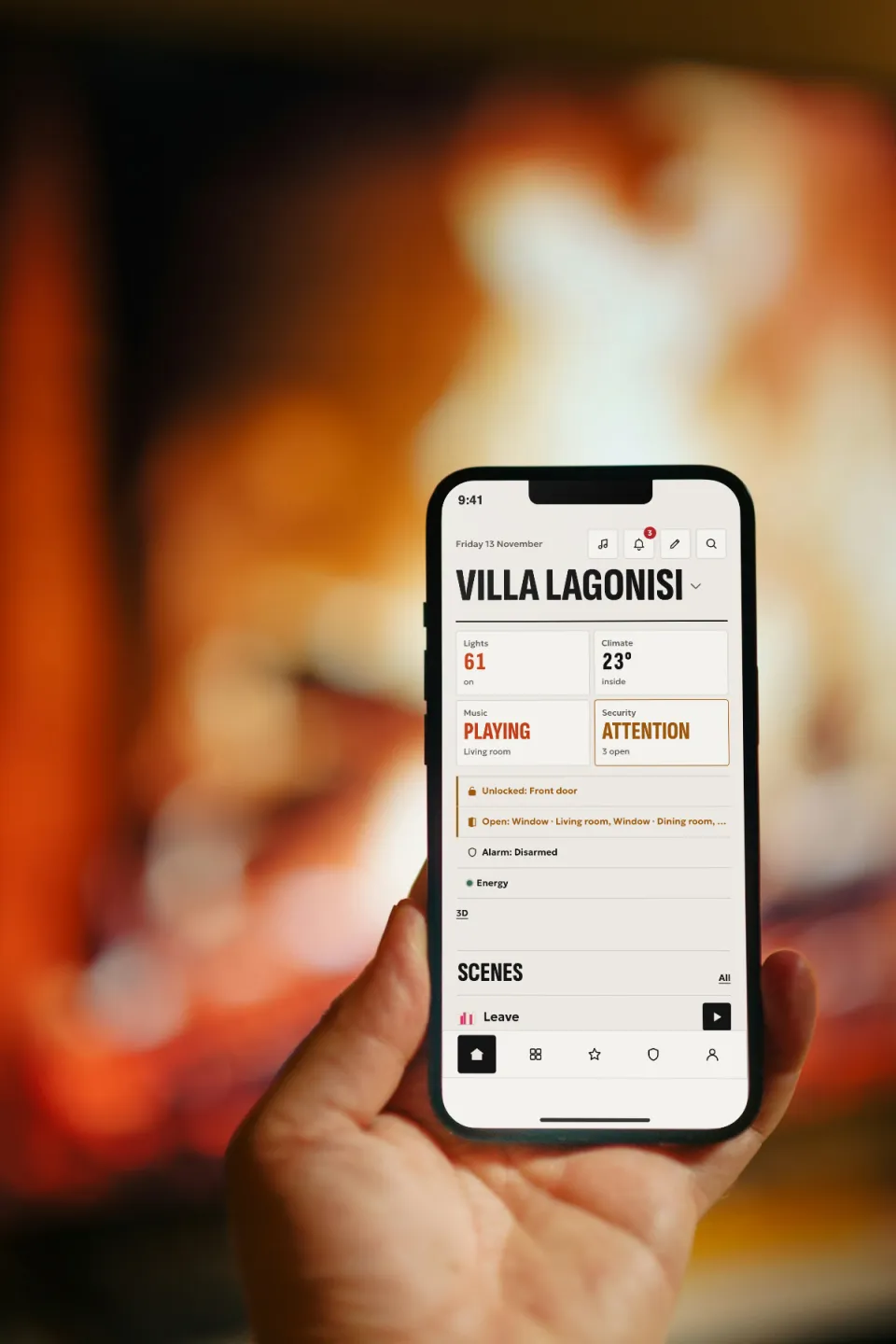
The screens are real. The photos are stock photos, not customers' homes.
In your own style
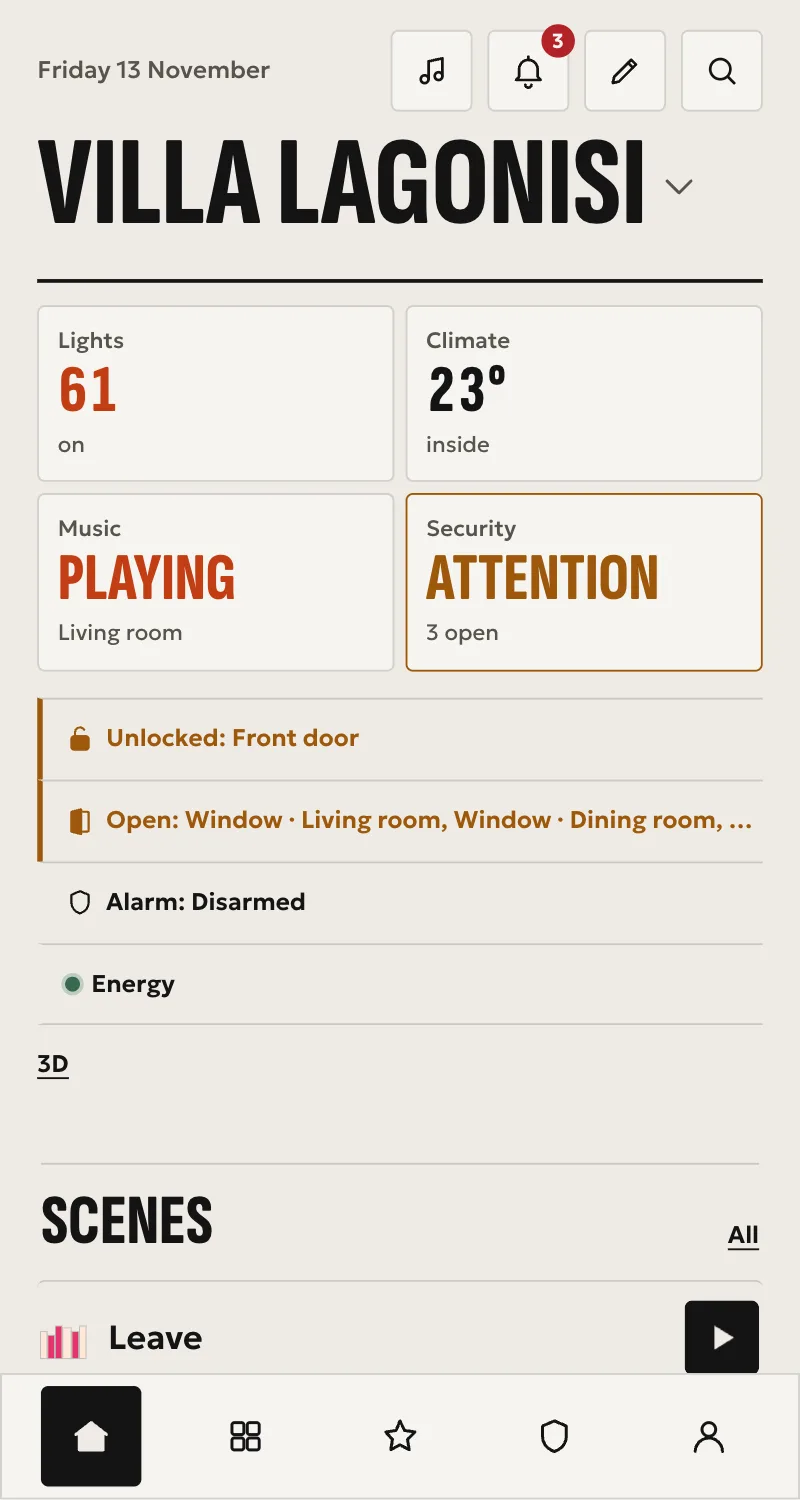
Eleven themes, each with its own type, shapes and colours. You pick one for the home, and each wall panel gets its own.
Αφίσα 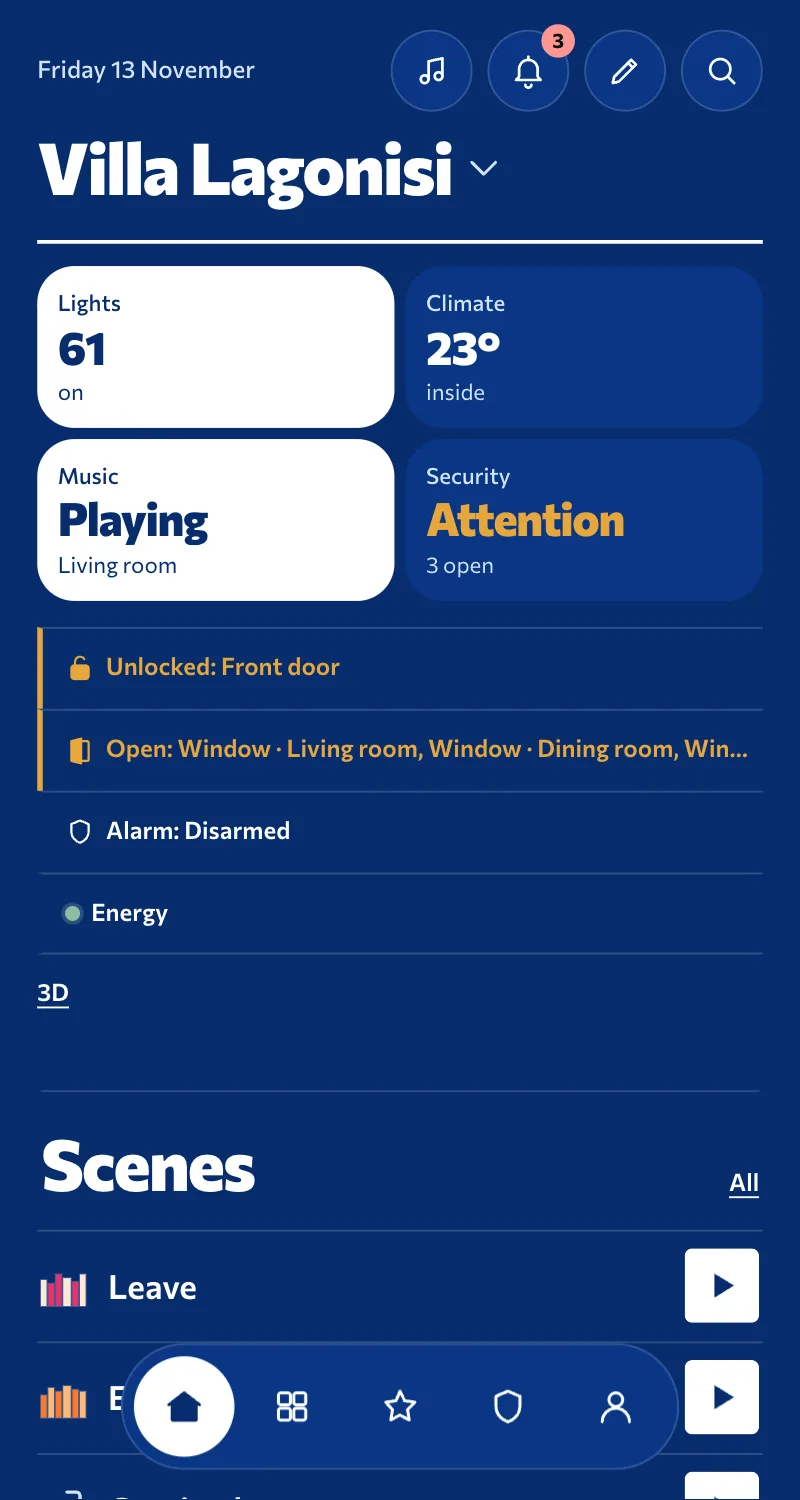
Αιγαίο 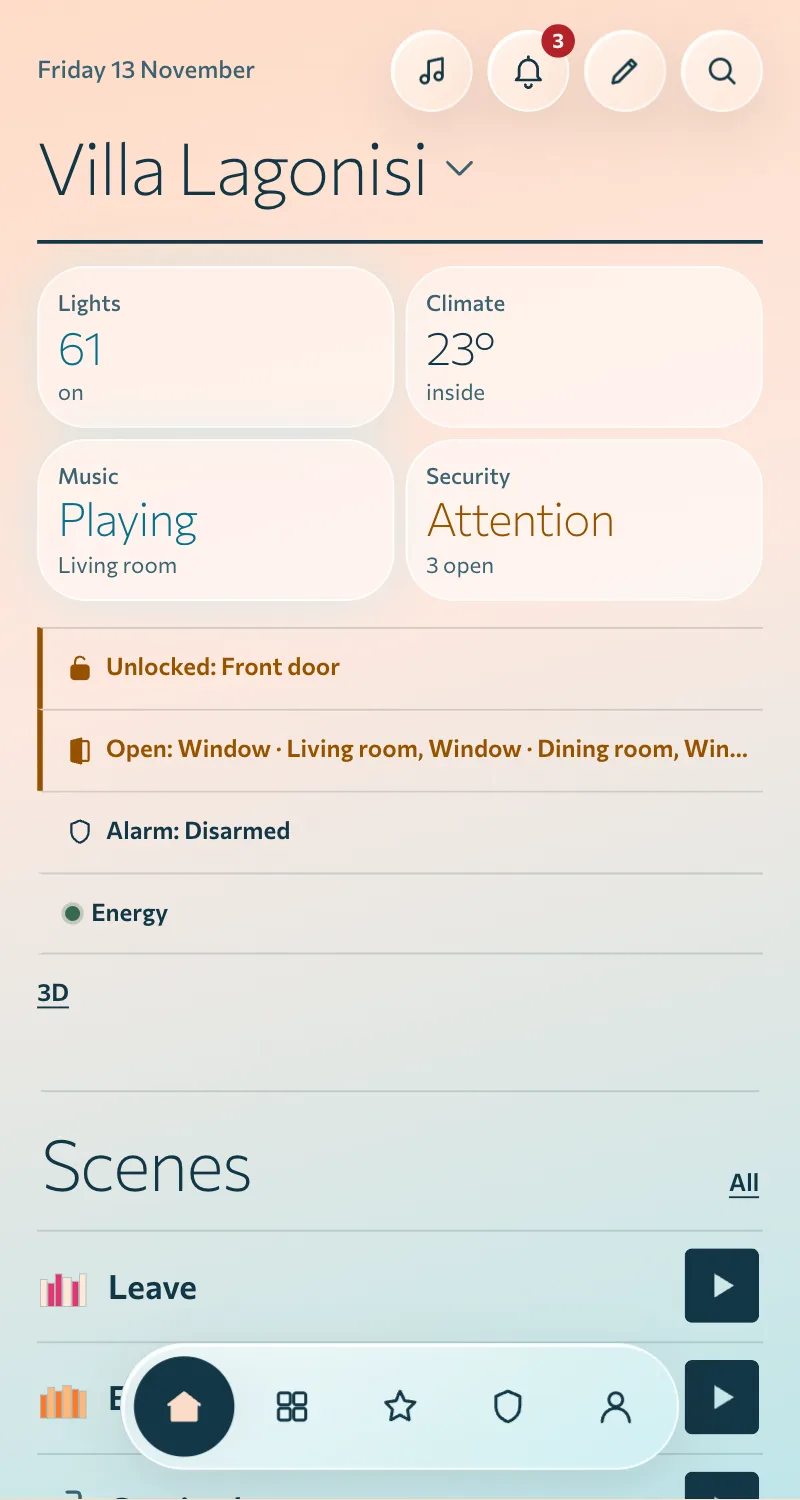
Γαλήνη 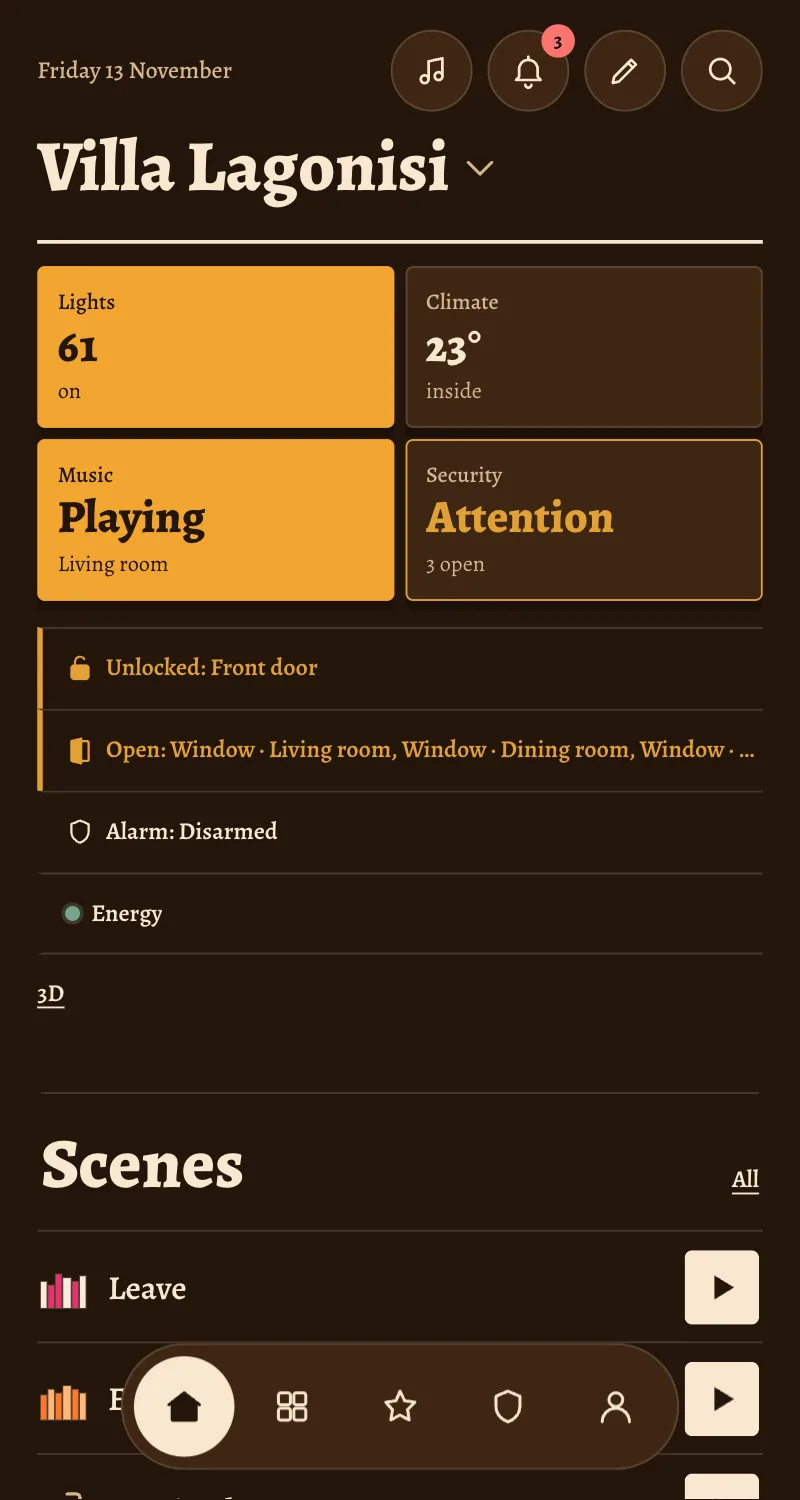
Δρυς 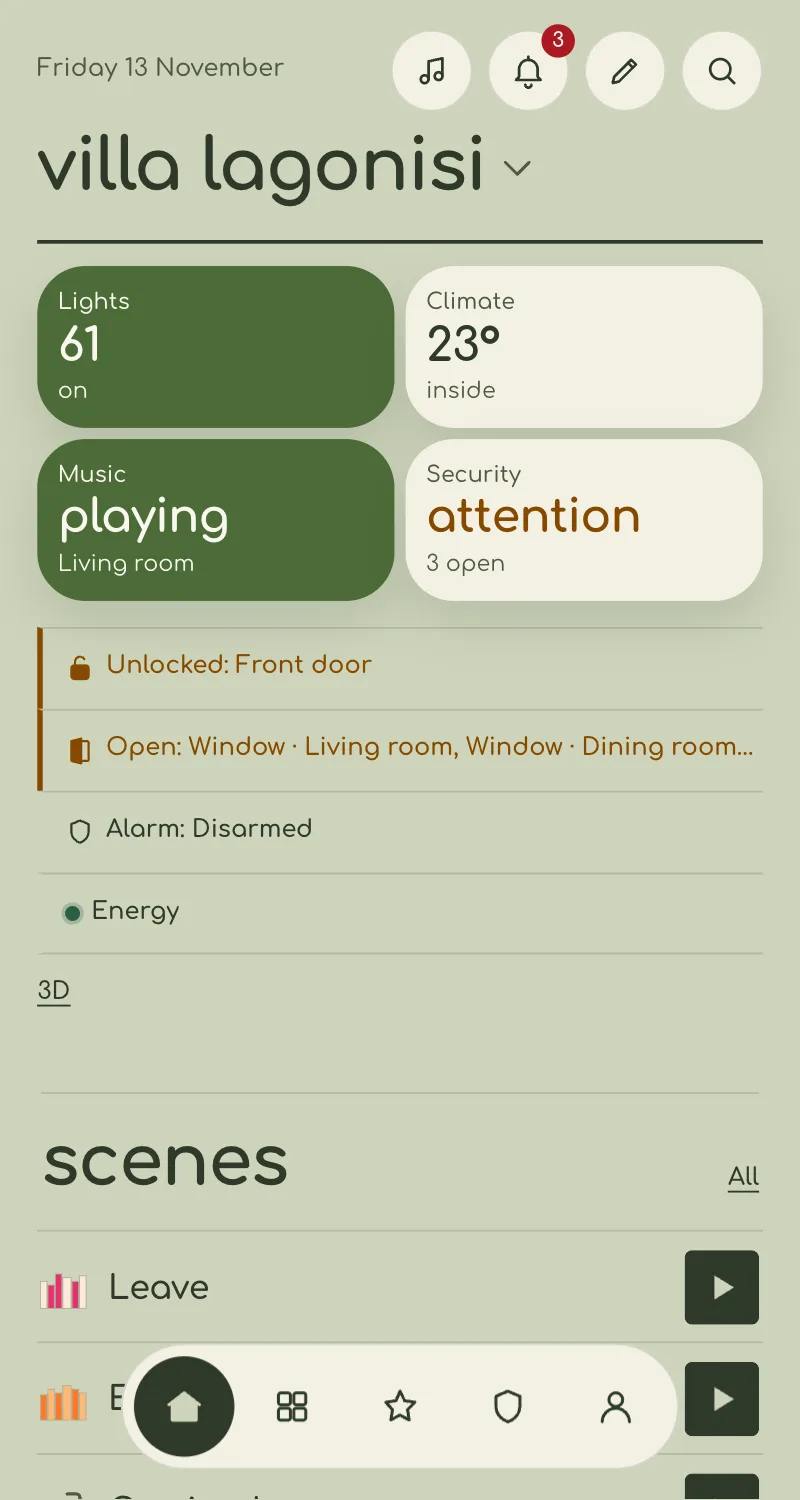
Λινό 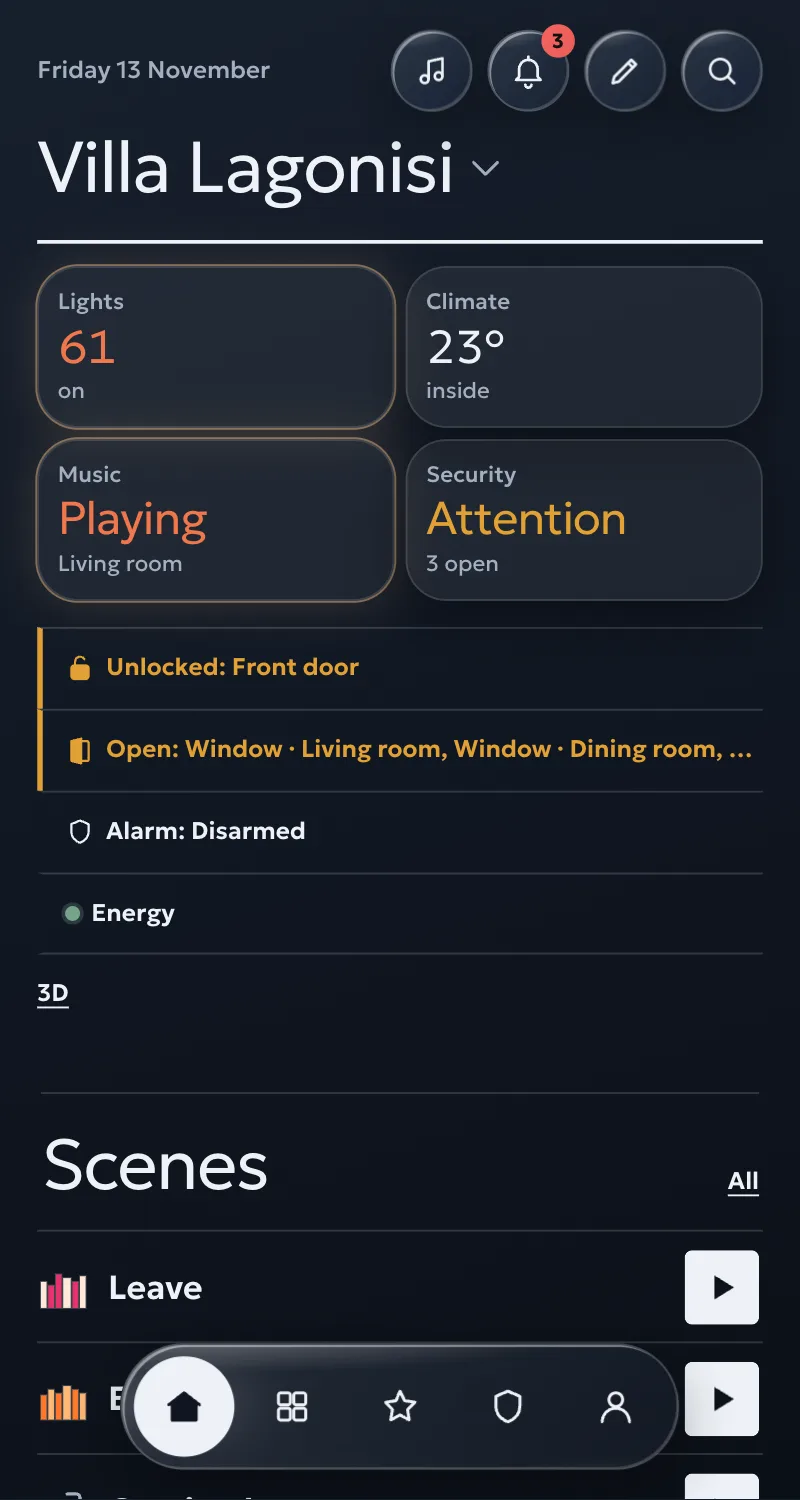
Λυκόφως
Does it work with what you have?
Type a brand or a kind of device and see whether Arvio talks to it.
- Shelly (Gen2, Gen3, Gen4)Switches and coversShelly Gen2, Gen3 and Gen4 relays, dimmers, cover controllers and energy meters on the local network. No internet or Shelly account needed.Works without the internet too
- Solar inverters (SunSpec, Huawei)EnergyThe panels' output and what the house buys from or sells to the grid, in Energy, from the inverter on the local network. Read only.Works without the internet too
- Somfy TaHomaSwitches and coversSomfy io and RTS shutters, awnings, garage doors and gates, through a TaHoma, TaHoma Switch or Connexoon on the local network, with Somfy's Developer Mode.Works without the internet too
- KNXSwitches and coversKNX lights, switches, shutters, thermostats and sensors, through the house's KNX IP interface on the local network. No internet or account needed.Works without the internet too

 Solar inverters

- KNX





 DoHome
 Arvio IR

 Kasa / Tapo


 and Google TV
 webOS TV


 Apple TV
 HomeKit



 RTSP cameras



 Wi-Fi presence




 SIA DC-09 receiver
- Arvio Music
- 24/7 spacePremium · through your installer
Names and logos belong to their owners. They show what Arvio talks to and imply no partnership or certification: Arvio is not certified by Zigbee, Z-Wave, ONVIF or Apple.
Internet down? The house carries on.
Whatever runs on the box inside the house needs no internet. That is the difference.
Works without the internet
- Lights, climate and covers connected locally
- Automations and scenes
- Wall panels
- The hub's logs
Needs the internet
- The Home app and remote access
- The TRU assistant
- Devices that talk to an internet service, such as the Ajax alarm and weather
- Notifications on your phone
How you start
You tell us what you want
Your home, what you already have and what you want to control. We see together whether it fits.
The installer sets it up
They bring the hub, connect the devices and build rooms and scenes.
You get the invitation
An email with a code. You open the app and the house is yours.
You make it your own
You add members, write rules and decide who has access.
Who it is for
For my home
I want a house that works the way I want, without setting it up myself.
For homes ›I am an installer
I want one platform for all my installations, with the customer staying the owner.
For installers ›I have a 24/7 space
A gym, studio or court with no staff: bookings and a door code per booking.
For 24/7 spaces ›
Common questions
Where can I buy it and how much is it?
Arvio is not sold online: you buy it from one of SFK's partner installers. Arvio Hub costs €449 + VAT, and Arvio Core on your own machine costs €49 a year or €149 once, before VAT. The installer gives you a quote for the installation and your devices. Every price is on the Pricing page.
Is there a subscription?
No. Lights, heating and automations run on the hub. Remote access and notifications go through Arvio Cloud and are included, with no subscription.
What happens if the internet goes down?
Lights, heating, automations and wall panels carry on. Arvio Home on your phone needs the internet to reach the house.
Which devices does it support?
Those with a driver. The integrations page shows what each one does and does not do, and whether it works locally or through a cloud. If something is not listed, do not assume it works.
Do I need an installer?
Yes. Each account is opened for a real house, by invitation. There is no signing up on your own. If you have no installer, ask SFK.
Whose data is it?
Yours. The installer does not own it, and becomes an owner or member of the house only if you give them that role. You download or delete your data under Εγώ → Λογαριασμός (Me, Account).
Tell us about your space
Tell us what you have and what you want, and we will work out together what your space needs.