In plain words
How it works
Your devices, a small box in the house and one app. The box does the work, so the house does not depend on the internet.
Your devices
Lights, air conditioners, blinds, cameras, the alarm. And the ones you already have, if Arvio talks to them.
See the devices ›The hub
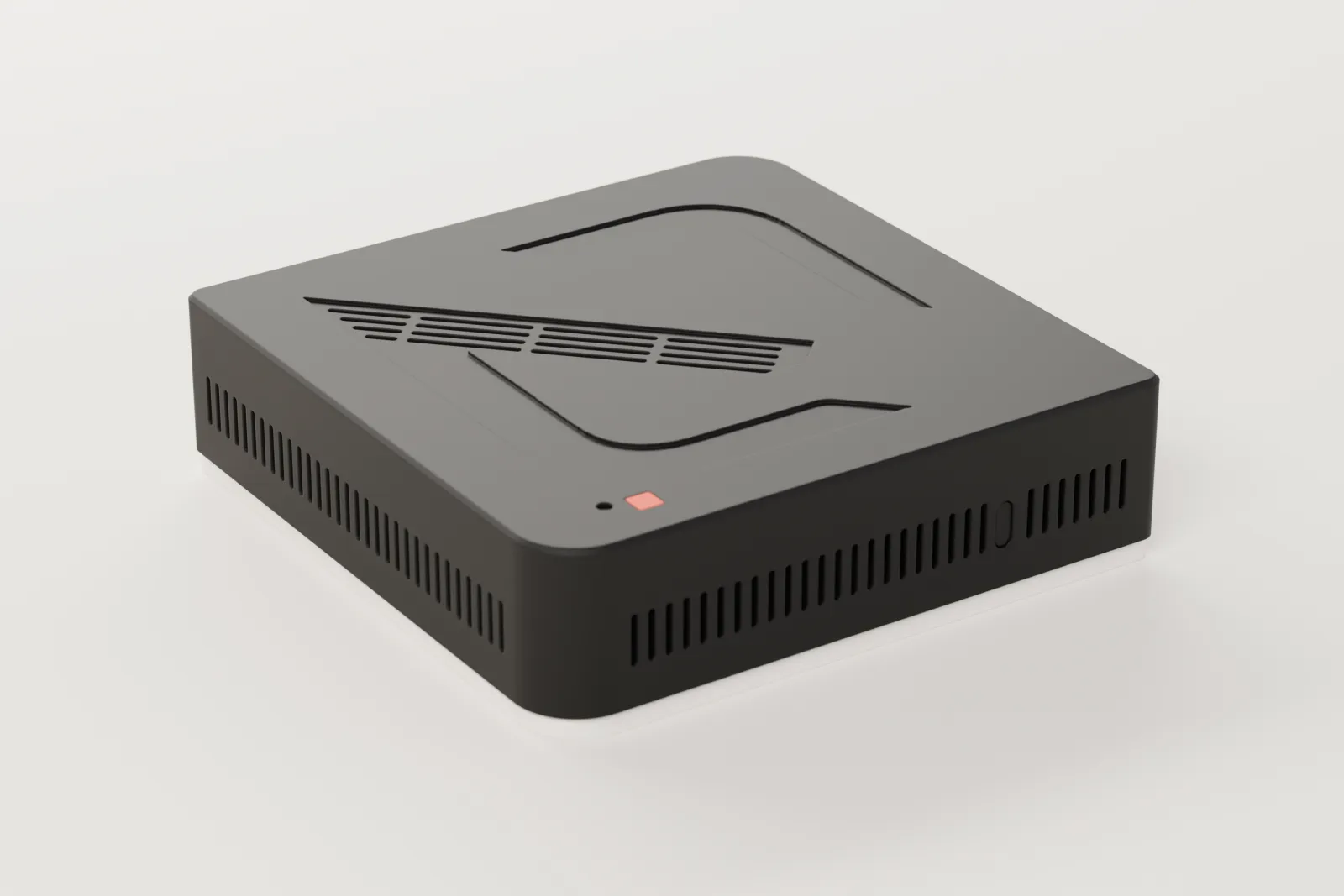
A small box inside the house. The rules and scenes run there, so the house does not wait for the internet.
What the hub is ›The app and the wall
Arvio Home on your phone, and screens on the wall that talk straight to the hub.
The app ›
When you are away
The app reaches the hub through a connection the hub itself opens outwards. None of its ports opens to the internet, and a command counts as done only when the hub confirms it.
And when the internet goes down
Whatever runs on the hub carries on. Whatever goes over the internet waits.
Works without the internet
- Lights, climate and covers connected locally
- Automations and scenes
- Wall panels
- The hub's logs
Needs the internet
- The Home app and remote access
- The TRU assistant
- Devices that talk to an internet service, such as the Ajax alarm and weather
- Notifications on your phone
For those who want the details
In your space
Your devices: lights, climate, covers, sensors
Arvio HubArvio Core and drivers, staying here
Wall panels, straight from the hub
The hub opens an outbound connection. None of its ports opens to the internet.
On the internet
Arvio RelayCarries commands and state
Arvio CloudAccounts, hub claim, support
In your hands
Arvio HomeFor people who live or work there
Arvio PartnerFor the installer, under a granted right
The parts
Hub
Stays in your space and holds your devices, rooms, scenes and automations. Commands to your devices leave from here, with or without internet.
Relay
The hub itself opens an encrypted connection out to SFK's relay. You open no ports on your router, and the connection also works behind 4G.
Cloud
Holds accounts, installations, permissions, notifications and booking pages. Your automations do not run there.
Apps
Home is for the people who live or work in the space, and Partner is for the installer. Wall panels talk straight to the hub over the local network.
Inside the hub
| Part | What it does |
|---|---|
| Arvio OS | Debian 13 with Arvio, ready to write to a card or disk. The system is read-only and exists in two copies, so the hub can return by itself if an update fails. |
| Arvio Core | The hub's engine. It holds devices and rooms, carries out commands, scenes and automations, and writes logs and backups. |
| Drivers | One per brand or protocol. If a driver crashes, it restarts by itself and Arvio Core keeps running. |
| Arvio Agent | Keeps the connection to the relay and serves wall panels and 24/7 space bookings. |
From tap to device
What happens when you turn on a light in Home while you are away.
The command leaves the app
The cloud checks who you are and what you are allowed to do in this space.
It reaches the hub
The relay passes it over the connection the hub has already opened. If the hub does not answer, the command is rejected at once. It is never queued, so a light cannot come on hours later.
The driver talks to the device
Arvio Core hands the command to the right driver, and the driver to the device.
You see the result
The app shows success only when the hub answers. If the command's time runs out, you see that it did not happen and you can tap again.
Doors and alarms
Unlocking and disarming also need an explicit confirmation, and Arvio Core will not carry them out without it.
With no internet
The hub carries on. Anything that goes through the cloud waits for the connection to return.
| What | What happens |
|---|---|
| Lights, heating and covers on local drivers | They work, because the hub controls them. |
| Scenes and automations | They run on the hub. |
| Wall panels | They work, because they talk to the hub over the local network. |
| 24/7 space bookings already on the hub | They start as normal and the door code is checked on the hub. New bookings cannot be made. |
| The Home app and remote access | They do not connect. Inside the space you use the wall panel for lights, heating and covers. |
| TRU assistant and phone notifications | They do not work. |
| Drivers that go over the internet | They get no updates until the connection returns. The integrations table shows which ones these are. |
Common questions
Does it need a subscription to work?
No. Lights, heating and automations run on the hub, with no cloud. Remote access and notifications are included with the hub, with no subscription. Prices are on the Pricing page.
What stays on the hub and what is in the cloud?
The hub keeps your devices, automations, their history and the passwords of your local devices. The cloud keeps accounts, members, permissions, the command journal, the hub's status and a recent picture of your rooms and devices.
Does everything I do go through the relay?
Everything you do remotely, yes. SFK operates the relay and the connection is encrypted. We do not describe it as end-to-end encryption.
What happens after a power cut?
The hub powers on by itself and reads the state of your devices. It does not resend old commands, and it does not touch locks, alarms or gates at start-up.
The next step
If you would like to see it in your space, talk to SFK.
Tell us about your space
Tell us what you have and what you want, and we will work out together what your space needs.